11EN Operating instructions
4 Rechargeable batteries/batteries
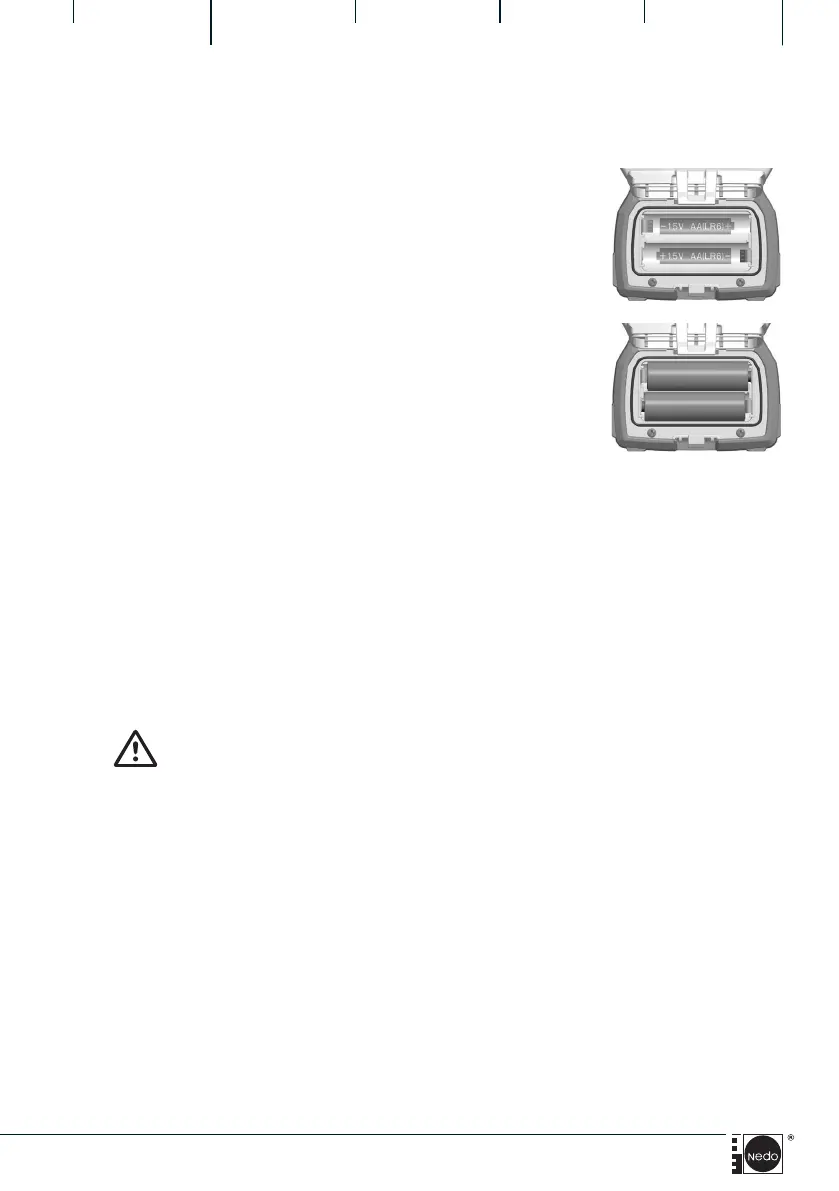
4.1 Insert /replace rechargeable batteries/batteries
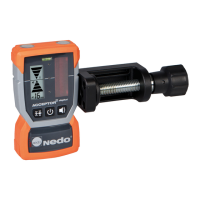
Do not immerse ACCEPTOR 2 digital in water.
+
+
-
-
5 Maintenance/Care
5.1 Care
The laser diode of the rotating laser is protected by glass covers. Use a soft
cloth to regularly clean the glass covers and ensure correct operation. Avoid
scratches in the glass covers. Dirt on the laser reception field of the ACCEP-
TOR 2 digital affects the reception quality and range of the laser receiver. Use
standard cleaning agents to clean the dustproof and watertight, partly rubbe-
rised housing. Use plenty of water to remove heavy soiling.
CAUTION!
5.2 Maintenance
The ACCEPTOR 2 digital are maintenance free units. If the ACCEPTOR 2 digi-
tal no longer function due to an internal error or damage, send them for
repair to:
NEDO GmbH & Co. KG
Service-Abteilung
Hochgerichtstraße 39 – 43
72280 Dornstetten / Germany
The ACCEPTOR 2 digital requires 2 rechargeable
batteries/batteries size AA 1.5V to run.
1. Lever the clip of the battery compartment flip to
the outside, unlock and open battery
compartment.
2. Battery/batteries replace/insert,
observing the polarity.
3. To close the cover, press down on it until it
audibly latches into position with a click.


 To Next Page