Need help?
Do you have a question about the Needit Park Mini 2 and is the answer not in the manual?
Alerts when the battery is low, indicated by a flashing red button 1 for 10 seconds.
Press button 1 until hours flash, then set hours using button 2.
Press button 1 until minutes flash, then set minutes using button 2.
Press button 1 until year flashes, then set year using button 2.
Press button 1 until month flashes, then set month using button 2.
Press button 1 until day flashes, then set day using button 2.
Select parking start time format (e.g., O:Pt, 1:Pt, 2:Pt) using button 2.
Press button 1 to exit settings mode, indicated by flashing ':' on the display.
Toggle automatic summer/winter time switching by pressing buttons 1 and 2 simultaneously.
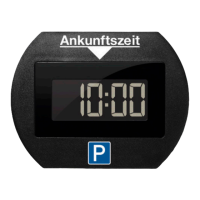
Install the parking disc on the lower passenger side corner of the windshield using supplied tapes.
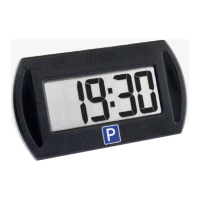
When driving, the front display is off, and the rear display shows the current time and date.
After parking, the parking start time appears on the front display within 20 seconds.
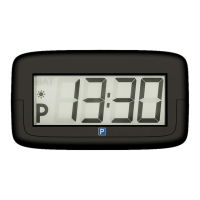
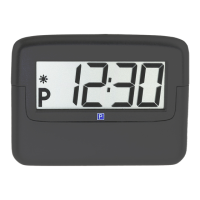
The 'P' symbol indicates parking; front shows start time, rear shows current time/date.
Press button 2 to advance parking start time by 15 or 30 minutes.
Only one parking disc per vehicle; driver is responsible for correct setting and parking charges.
 General
| Type | Parking Sensor |
|---|---|
| Number of sensors | 4 |
| Audible warning | Yes |
| Compatibility | Universal |
| Material | Plastic |
| Color | Black |
| Product Type | Parking sensor |
| Mounting Type | Bumper |

 To Next Page