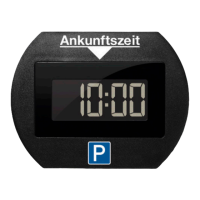
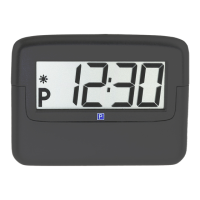
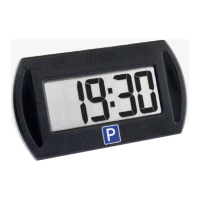
Need help?
Do you have a question about the Needit parkone exclusive and is the answer not in the manual?
Instructions for activating the device's batteries by removing the plastic strip and inserting them correctly.
Steps to set the hours and minutes on the digital clock using the device buttons.
Steps to set year, month, day, and securely re-attach the back cover.
Procedure to enter setting mode for summer/winter time adjustment by pressing buttons.
Steps to adjust and save summer/winter time settings by releasing buttons and confirming display.
Ensure windscreen temperature is adequate and choose the lower right corner for placement.
Clean the selected spot and firmly attach the device to the windscreen using adhesive pads.
The device automatically sets the clock to the nearest quarter hour after the car is parked.
Guide on how to manually set the time using the '+' button in 15-minute intervals.
Manual setting is only possible when the device is in parking mode, indicated by a small 'P'.
A flashing diode indicates batteries need replacement soon; reset clock after changing.
Instructions to buy CR2430 batteries and remove old ones from the device.
Guidance on cleaning and correctly inserting new batteries into the device.
Steps to reset time/date and securely re-attach the back cover after battery replacement.
Information on support, FAQs, and warranty conditions for the ParkOne exclusive.
Warning against forcing the device open and emphasizing user responsibility for correct settings.
Advices on avoiding extreme conditions and using only a dry cloth for cleaning.
Details Danish approval and explains the significance of the CE marking for safety compliance.
Information on the environmental impact of EEE and correct disposal methods for the device and battery.
Lists dimensions, battery type, battery life, clock accuracy, and reaction times.
Provides Needit ApS contact details and a disclaimer about potential manual content changes.
 General
| Brand | Needit |
|---|---|
| Model | parkone exclusive |
| Category | Automobile Accessories |
| Language | English |

 To Next Page