16
Version: 9a
13.11.2018
EN
SELECTING AUTOMATIC AND MANUAL
Pressing the keys
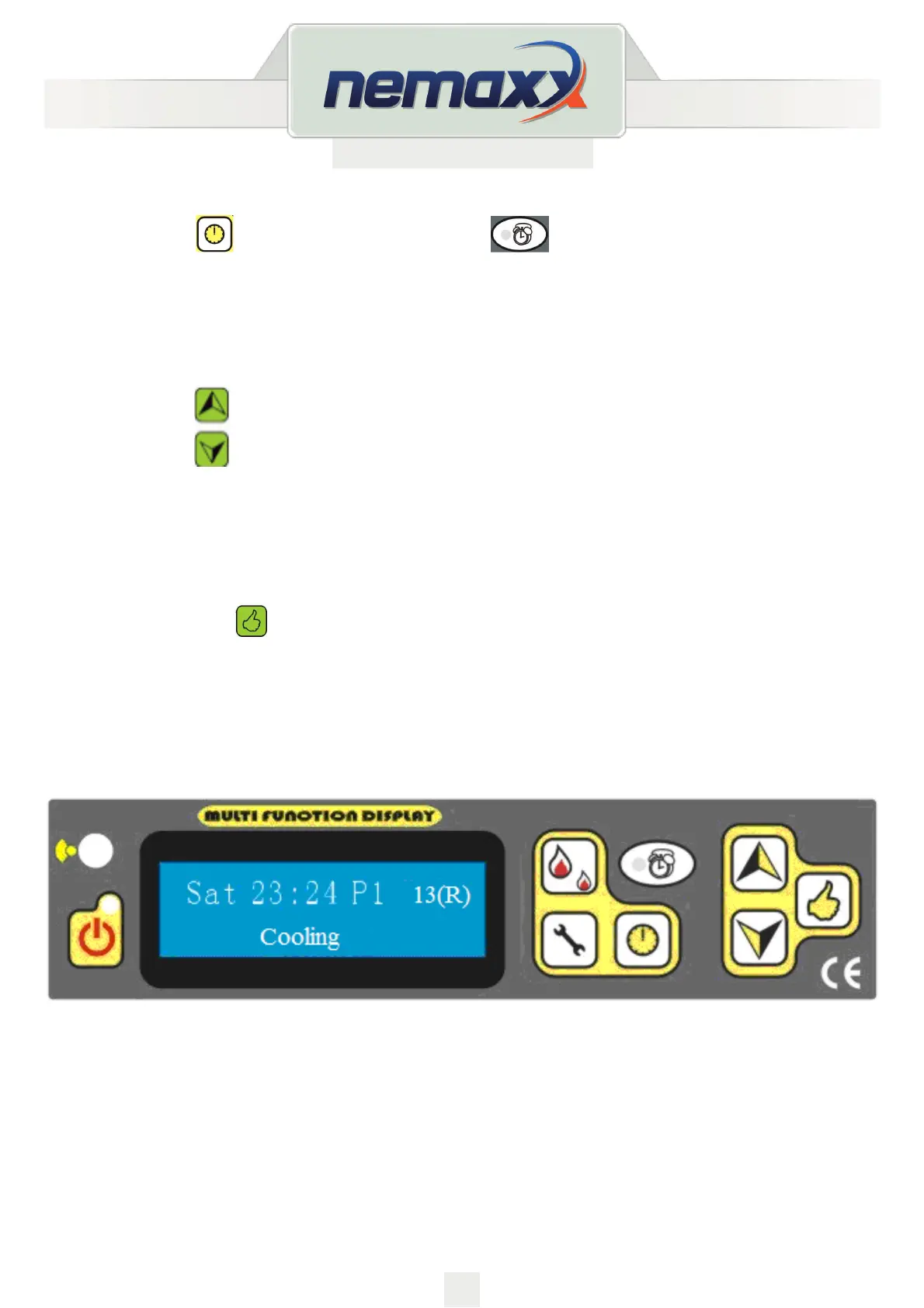
the light shown on this button: will be on or o.
If the light is on, it signals that automatic program is selected. Otherwise it is manual.
DESIRED TEMPERATURE SETTING
Pressing the keys on the display the temperature can be selected.
How to Check the Room temperature, Exhaust (Smoke) Temperature, Safety (Protection)
Temperature which is located under the hopper.
By pressing the button
The number with “R” is the room temperature.
The number with “S” is the temperature of the smoke
The number with “P” is the temperature for the protection.
For example:
It means that the room temperature is 13 degree.



 To Next Page