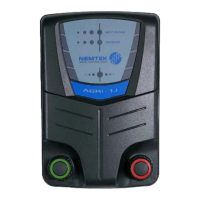
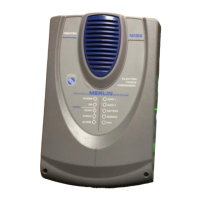
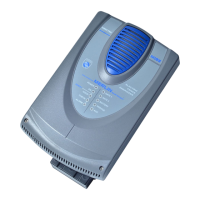
Configuration of the components
15
6. Ensure the energizer is restored to factory default:
a. Reconnect the battery power. [2]
b. Reconnect the mains power. [1]
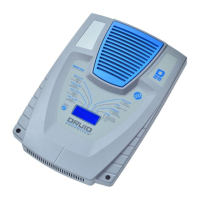
c. Within 60 seconds of reconnecting the power, enter 2389# on the keypad.
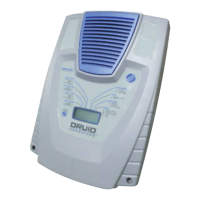
7. Enter installer mode by entering 012345*0# on the keypad. Ensure the energizer LCD display
turns purple. [6]
8. Configure the network address by entering 51xx*#, where xx is the address from 1 to 32.
Energizer addresses must be chronologically configured starting at 1. For example, three
energizers on a network with addresses 5, 18 and 22 is not allowed, as they need to be addressed
1, 2 and 3. Relay boards and energizers are addressed separately from 1 to 32. This address needs
to match the address of the 8-way Smart IO Board assigned to the energizer.
9. Exit installer mode by entering *#. Ensure the energizer LCD display turns blue. [6]
10. Ensure the energizer network address is displayed on the LCD. [6]
11. Connect the energizer to a port on the ethernet switch (the port number does not matter) with an
ethernet cable. [7]
12. Route the ethernet cable out the bottom of the energizer enclosure and install the lid.


 To Next Page