Configuration of the components
14
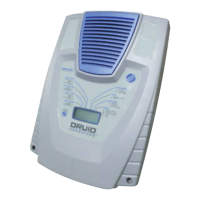
THE DRUID LCD 2x ENERGIZER
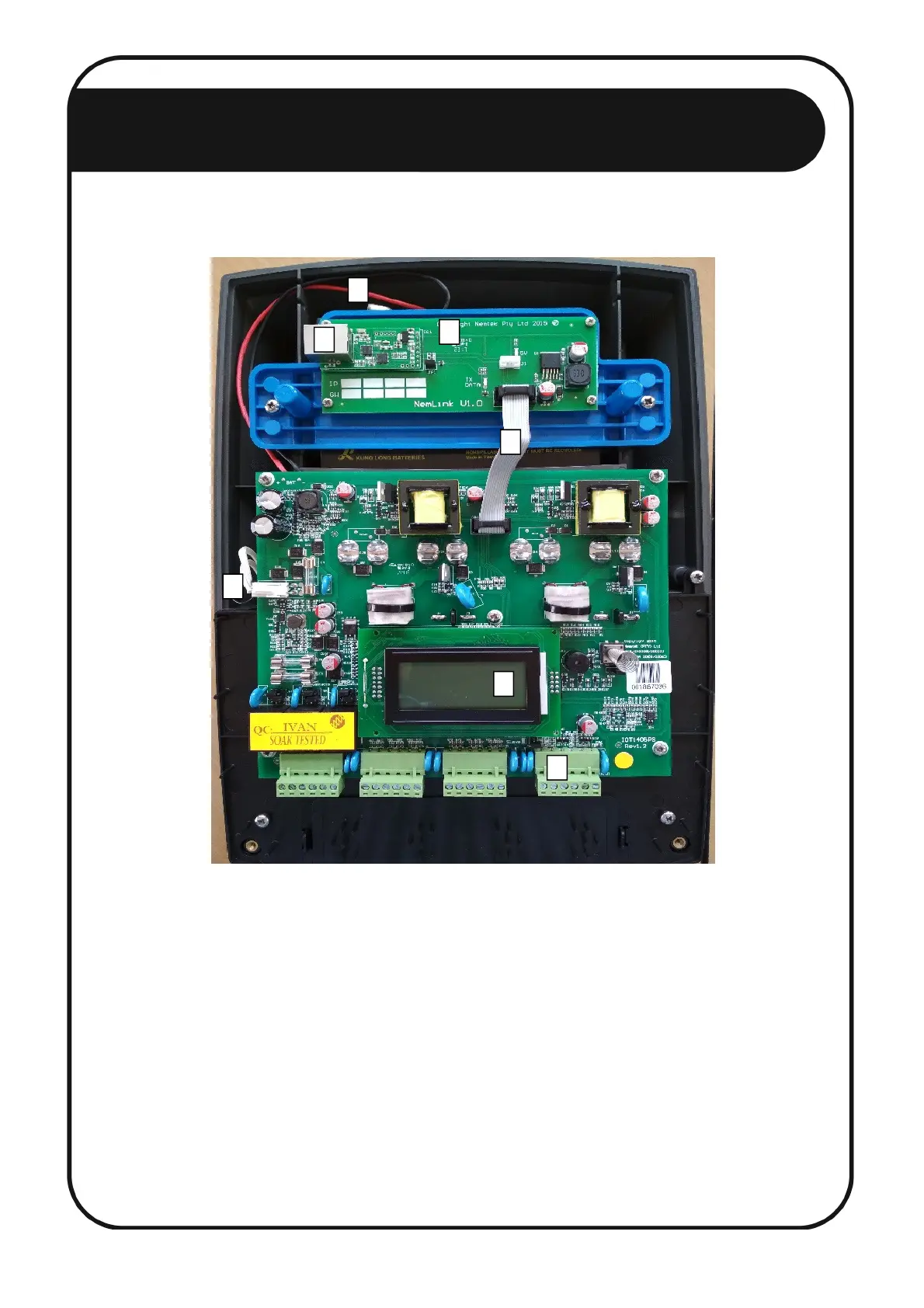
To configure the Druid LCD 2x Energizer, follow these steps:
1. Disconnect the energizer mains and battery power. [1, 2]
2. Install the Nemlink board on top of the battery brace and fasten with 4 screws. [3]
3. Install the 10-way ribbon cable between the energizer and Nemlink board. [4]
4. Connect a keypad to the energizer. [5]
5. Ensure the energizer is restored to factory default:
a. Reconnect the battery power. [2]
b. Reconnect the mains power. [1]
c. Within 60 seconds of reconnecting the power, enter 2389# on the keypad.
1
2
3
4
5
6
7


 To Next Page