_ _ _ _ * 2 0 # (alarm not bypassed)
Use this feature to prevent the alarm from sounding when a fence fault occurs. Typically
you would not want to bypass the fence alarm, however this feature is available should it
be needed.
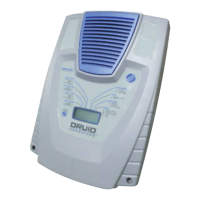
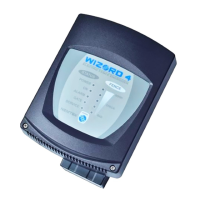
If the fence alarm is bypassed, the symbol under the ALARM label on the keypad will
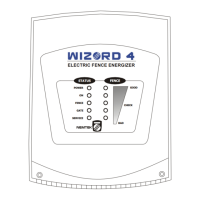
be lit and on the energizer display the symbol linked to the FENCE ALARM label will
be shown.
FENCE LOW POWER _ _ _ _ * 3 1 # (low power)
_ _ _ _ * 3 0 # (high power)
Use this feature for example when children are playing in the vicinity of the fence. The
fence operating voltage and power are reduced to a level that is far less painful than when
the fence is touched at full power. The fence low power voltage is an installer
programmable voltage.
If the fence is in low power, the symbol under the FENCE label on the keypad will be
lit and on the energizer display the symbol linked to the FENCE MODE label will be
shown.
When disabled, the energizer returns the fence to high power.
SILENT ALARM _ _ _ _ * 8 1 # (siren and strobe are bypassed)
_ _ _ _ * 8 0 # (siren and strobe are not bypassed)
Use this feature to prevent the siren from sounding and the strobe light from activating
when an alarm event occurs. The internal beeper will however still sound. This feature is
useful in periodic testing of the system.
If Silent Alarm is enabled, the S symbol under the UNIT label on the keypad will be lit and
on the energizer display the S symbol linked to the ENERGIZER label will be shown.
(No symbol exists on the DRUID 4-Zone keypad).


 To Next Page