Installation
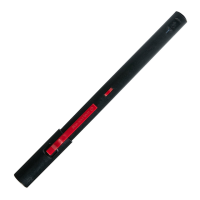
Downloading NEO STUDIO App & Pen connection Experience your Neo smartpen on the page, practice writing below.
1) Download the 'NEO STUDIO' to smart devices.
The app can be downloaded from Google Play and App Store.
Please search for 'NEO STUDIO'.
2) App Setting
Enable the 'Bluetooth' and 'GPS' function of smart device.
3) App & Pen connection
① Please allow necessary permissions after running the app.
②
Follow the on-screen instructions to connect the app and the pen and write in notebook.
(The pen LED lights up white dimming when the app and pen are connected.)
.


 To Next Page