64
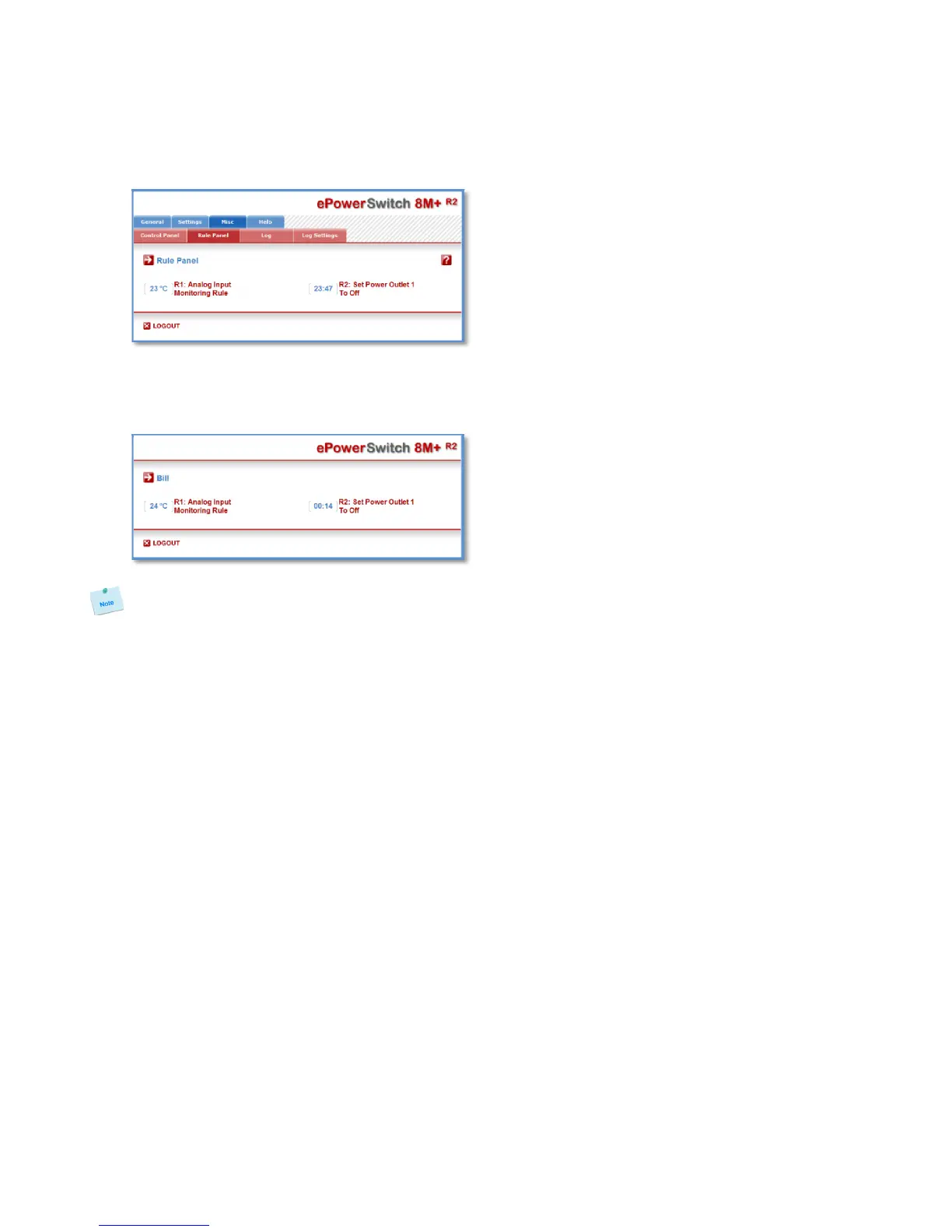
3.3.11. Misc / Rule Panel
This page shows all the rules the administrator has created and activated. The rules which have been
executed can also be highlighted in different colours according to the emergency of the action. The
highlight colours can be customized during the creation of the rule (Settings/Rules Page).
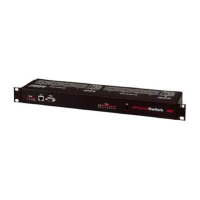
For supervision purpose, the administrator can create special accounts which display only some specific
rules. In the example below, the user Bill has the possibility to supervise 2 rules and to see on a glance
the rules which have been triggered.
The page is automatically refreshed every 10 seconds.
Unlike a standard session, the web server of the ePowerSwitch 8M+
R2
won’t automatically close
this kind of session. Opening many sessions of this affects the performances of the web server.


 To Next Page