Overview ......................................................................................................... 1
Controls and display ........................................................................................ 1
Sengs ........................................................................................................... 1
Inialpowerup ................................................................................................................1
Programming ................................................................................................... 2
Setdateandclock .............................................................................................................2
Settheprogramday .........................................................................................................2
SettheprogramComfortperiod .......................................................................................3
Temperaturesseng ........................................................................................................3
Operang ........................................................................................................ 4
Modeseleconanddescripon ........................................................................................4
Manual:atemporarychange ...........................................................................................4
Boost .................................................................................................................................4
Factorysengs .................................................................................................................4
Troubleshoong .............................................................................................. 4
Technical specicaons ................................................................................... 5
Note ................................................................................................................ 5
What is a room thermostat .............................................................................. 5
RTE7RED NEO ENG CP V04 05 03 2021
WIRED DIGITAL 7 DAY
PROGRAMMABLE ROOM
THERMOSTAT
TABLE OF CONTENTS
1
OPERATING
INSTRUCTIONS
1-Tostart:insertthetwoAAbaeries
providedintothebaerycompart-
ment.
Oncebaeriesareedallsymbols
willbedisplayedontheLCDscreenas
shownfortwoseconds.
2-Aer2seconds,theLCDwillshow:
-Theambienttemperature(°C)solid.
Note: Whenthebaeriesmustbechanged,alowbaerylevelindicatorappearsin
thedisplay.
Remembertotakeusedbaeriestobaerycolleconpointssotheycanberecycled.
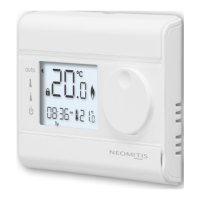
• Thermostat
am
Tu
C
C
Baeries
compartment
Rotarydial
Enter/boost
buon
Reset
buon
Modeslider
Programming
slider
LCDdisplay
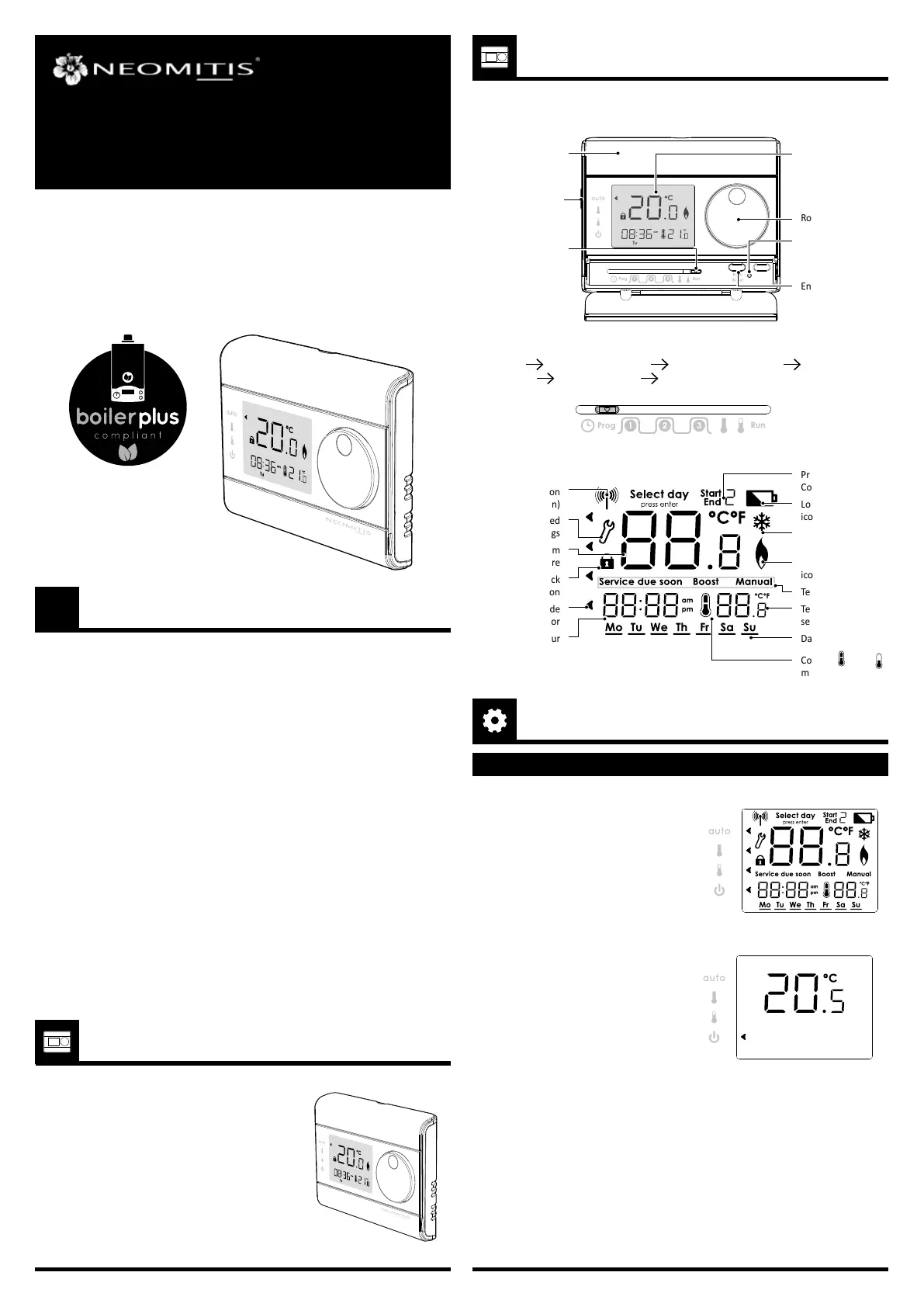
Thankyouforpurchasing our RT7PLUS,7daypro-
grammabledigitalroomthermostat.
It is by listening to your requirements we have
created and designed our products to be easy to
operateandinstall.
Itisthiseaseofoperaonthatisintendedtomake
yourlifeeasierandhelpyousaveenergyandmoney.
Programming sliders sequences:
Time/date Daytobeprogramed Comfortperiodsetting Comfort
temperature Ecotemperature Run.
INITIAL POWER UP
SETTINGS
• LCD Display
Measuredroom
temperature
Pairingicon
(RFversion)
Advanced
sengs
Lock
funcon
Mode
indicator
Hour
Days
Programmed
Comfortperiod
Lowbaery
icon
Frostprotecon
icon
Callforheat
icon
Textinformaons
Temperature
setpoint
Comfort
orEco
modeicon
OVERVIEW
CONTROLS AND DISPLAY
RTE7D
RTE7BD


 To Next Page