11
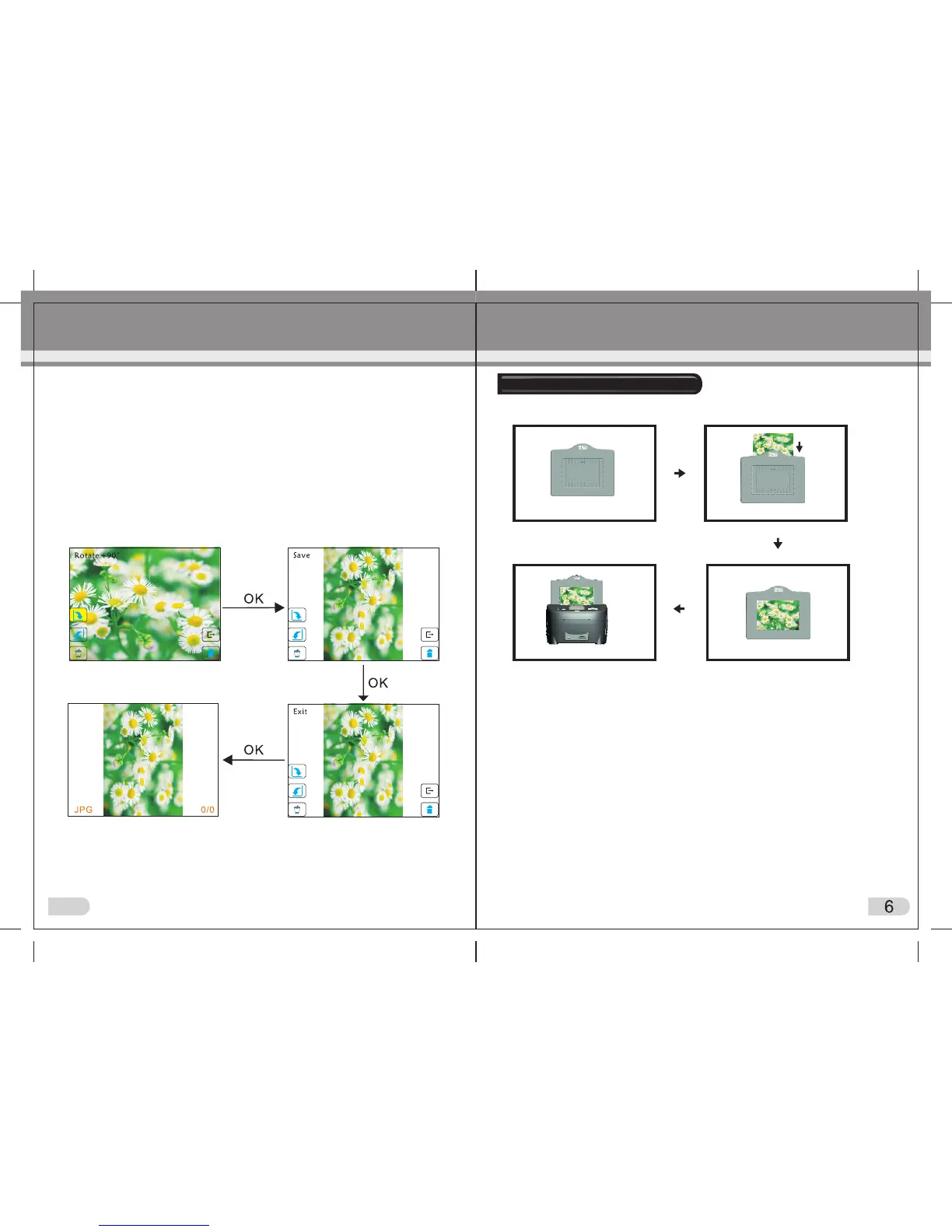
(1)Hold up the Photo Holder so that the front of the photo is facing you.
(2)Insert the photograph into correct size holder as pictured.
(3)The photo should now be perfectly visible in the holder.
(4)Insert the holder into the scanner.
Loading Photographs
Options within playback mode
1.Rotation +90: capture picture, then rotate 90 degree
2.Rotation -90: capture picture, then rotate 90 degree
3.Press OK to confirm changes
4.Delete: Delete picture from memory card
5.Exit: return to playback mode
6.Return: back to capture picture mode from playback mode
7.Adjust and save picture
IMPORTANT
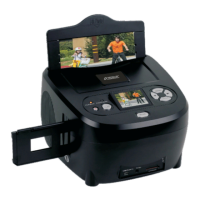
On the main scanner body at the top, ensure you have selected the
correct mode: either PHOTO (to scan photographs) or
FILM (to scan slides / negative film).


 To Next Page