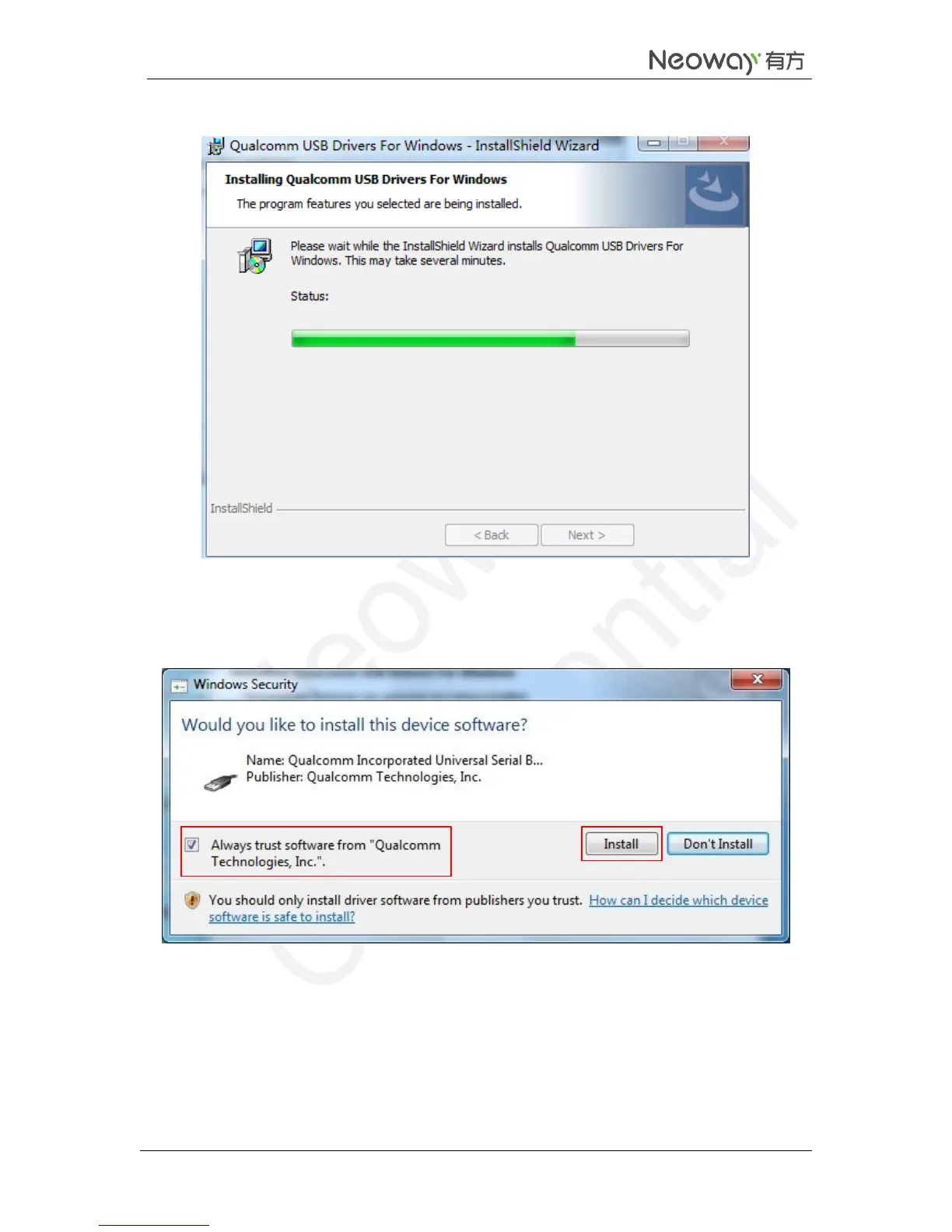
Wait till the Status bar becomes green completely.
6. In the Windows Security dialog box, select Always trust software from "Qualcomm
Technologies,Inc.". and click Install.
Repeat this step for 5 times.
7. Click Finish.
The USB driver is installed completely.



 To Next Page