14 15
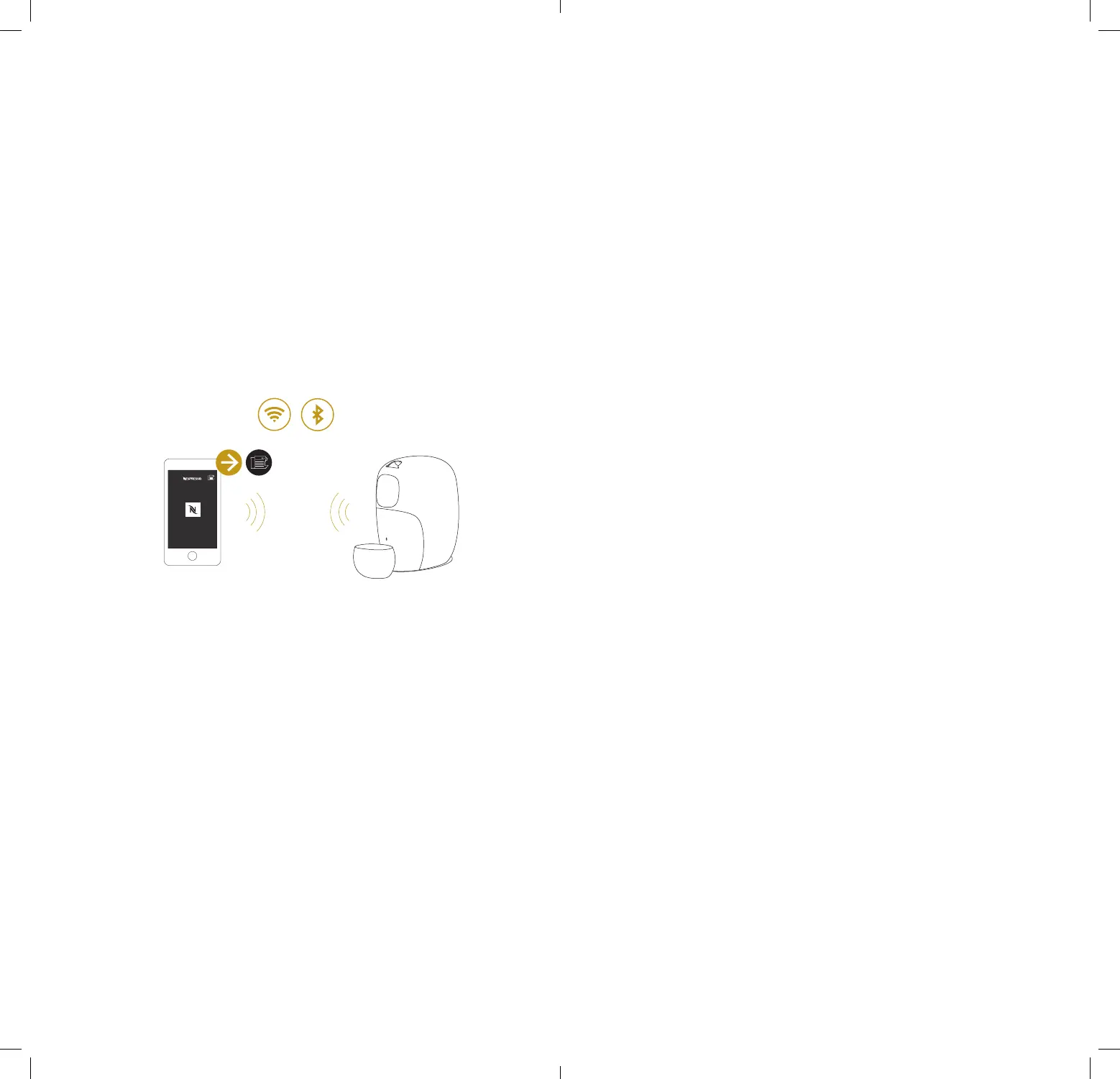
1. Please make sure that:
• O by Nespresso is plugged into the power socket.
• Your smartphone has Bluetooth
®
turned ON.
• You are close to O by Nespresso while pairing.
• Your smartphone is connected to Wi-Fi and that you have internet
connection.
2. From the Nespresso App homepage, click on the Machine icon.
3. Follow instructions on the App. The connection process takes a few
minutes. Once the process is completed, a O by Nespresso picture will
appear on the screen.
6.2 Pair O by Nespresso and connect it
to the Wi-Fi
Now that you are connected, you can enjoy the following seings:
• Select your favorite brewing mode for each capsule.
• Discover the perfect cup size for each coee in the Expert mode.
• Get the newest Nespresso capsules recognized.
• Receive maintenance notifications on your App.
• Get your local Nespresso technical support number.
• Find out more via the App.
6.3 Connectivity functions








 To Next Page