3
18 19
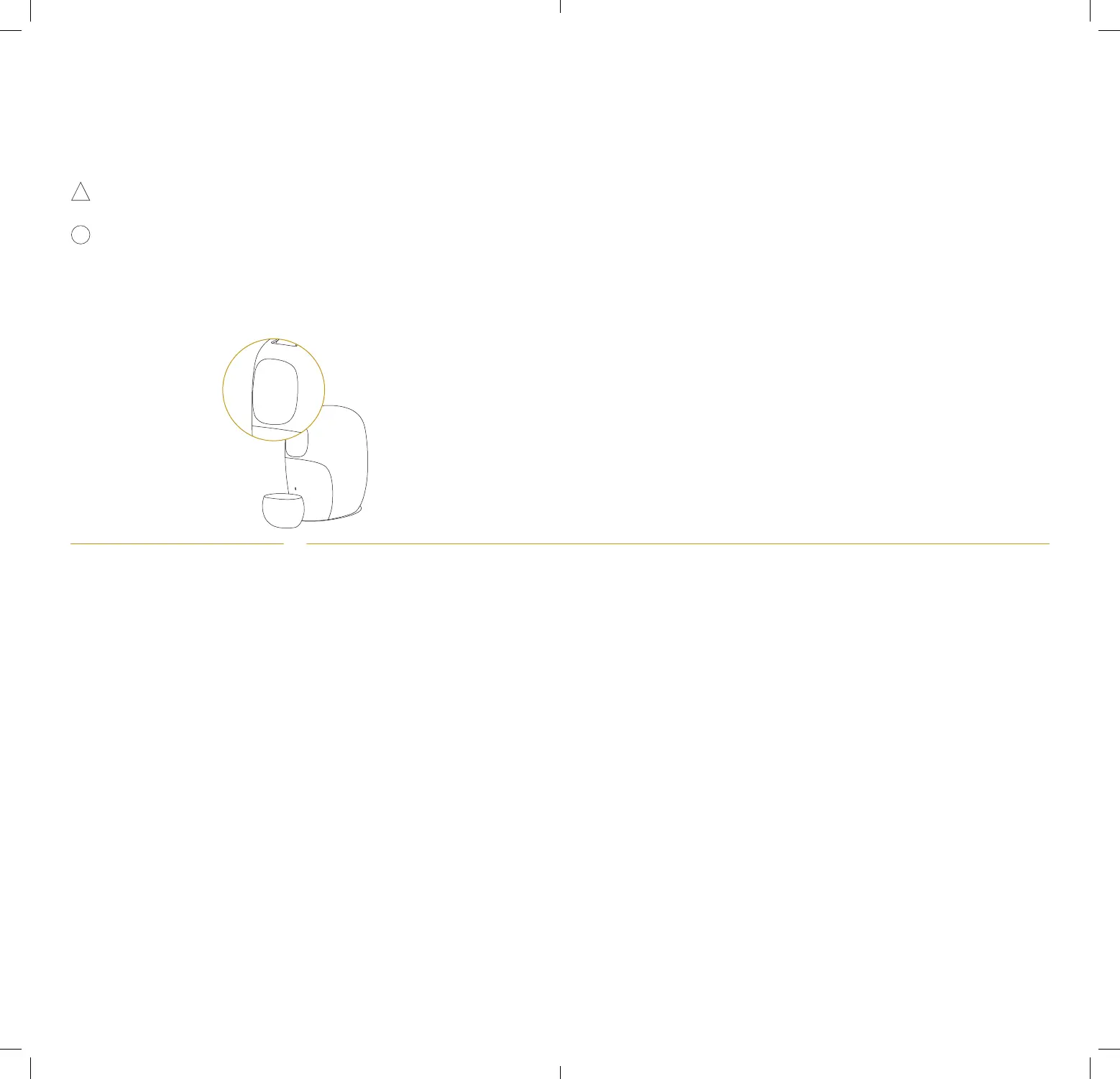
3. Confirmed capsule name and brewing mode will appear on the display.
4. Choose a cup according to the coee size. For all coees which name
is followed by “Lungo”, make sure to have a suitable cup size (minimum
120 ml / 4.1 fl oz). Place your cup, brewing starts.
If you have a coee name followed by “Lungo” make sure to have a
suitable cup size.
It may take few seconds before the coee flow comes out (due to the
Expert brewing profiling). Time varies depending on the coee variety.
If you know your coee capsule like the back of your hand and prefer its
original taste, O by Nespresso comes with a Classic brewing mode. This
brewing mode makes your coee the way all Nespresso machines do. To
activate this seing, you can choose this brewing mode on the App for
each individual Nespresso coee. That way you can drink any Nespresso
coee, with the flavour you have always known.
Change of heart? To match your mood or oer a dierent experience to
your guests, you can choose between the two brewing modes manually,
by swiping on the display.
7.2 Prepare your coee in Classic mode








 To Next Page