The Nest app will show you how to
set up, install and test everything.
SYSTEM REQUIREMENTS
To set up and use Nest Secure you’ll need a compatible iOS or Android phone or tablet with
Bluetooth 4.0, the Nest app and a free Nest Account, an unused indoor power outlet, and a
Wi-Fi 802.11 a/b/g/n (2.4GHz or 5GHz) network connection. Go to nest.com/requirements
for more information.
Get the Nest app
for Android or iOS.
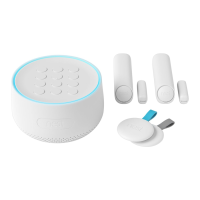
Tap the Add button. Add Nest Guard first.
Then add Tags and Detects.
Do this first.
Don’t see a ?
Tap the .
Want to see how it’s done?
Go to nest.com/installsecure for installation videos and additional tips.


 To Next Page