Type of cable… Part number and length Connector type For…
Optical network
cables (order
dependent)
X6553-R6 (112-00188), 2m
X6536-R6 (112-00090), 5m
X6554-R6(112-00189), 15m
SFP + FC host network
Cat 6, RJ-45
(order
dependent)
X6585-R6 (112-00291), 3m
X6562-R6 (112-00196), 5m
Ethernet host and management
network
Micro-USB
console cable
Not applicable Console connection during
software setup on non-Windows
or Mac laptop/console
Power cables Not applicable Powering up the system
6. Download and complete the
Cluster Configuration Worksheet.
Step 2: Install the hardware
You need to install your system in a 4-post rack or NetApp system cabinet, as applicable.
Steps
1. Install the rail kits, as needed.
2. Install and secure your system using the instructions included with the rail kit.
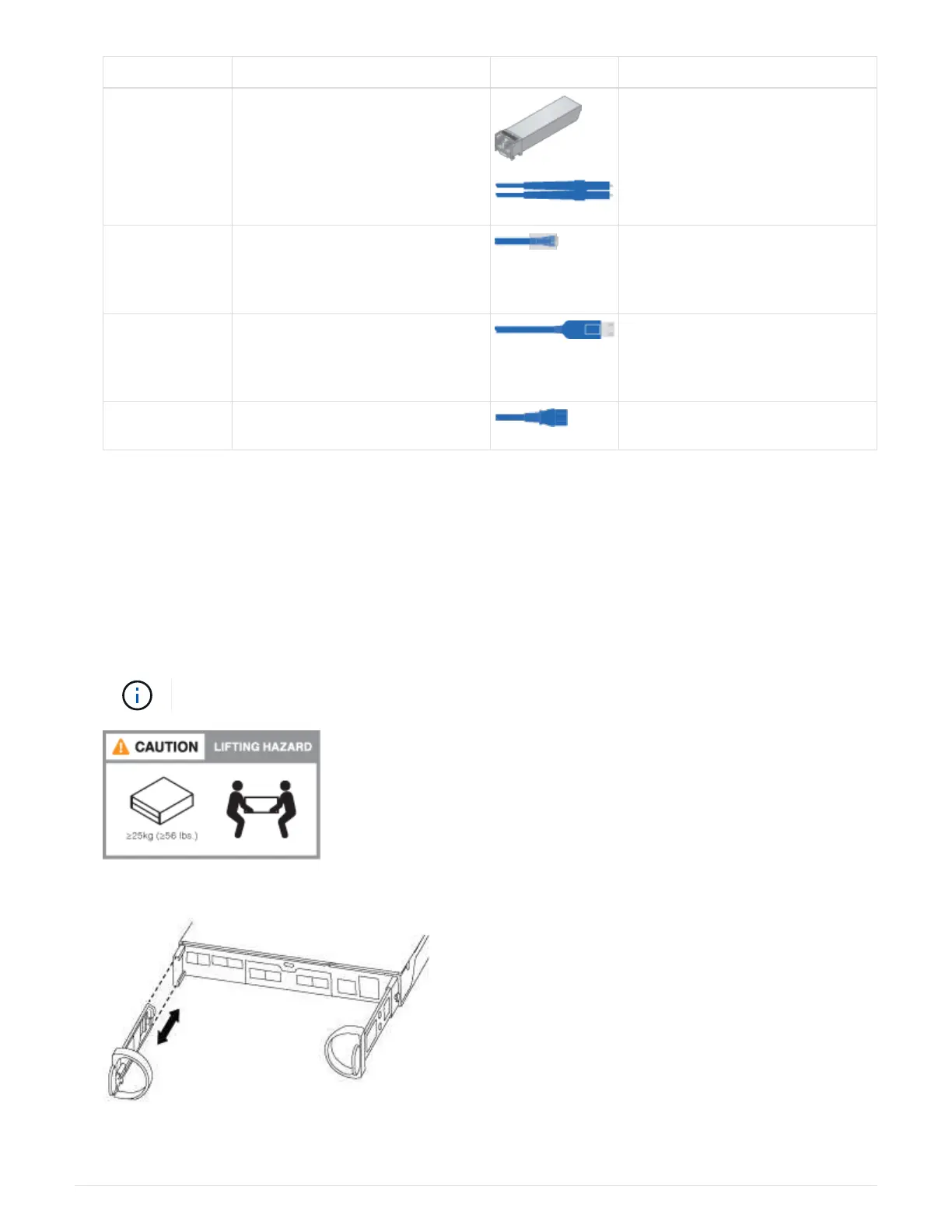
You need to be aware of the safety concerns associated with the weight of the system.
3. Attach cable management devices (as shown).
4. Place the bezel on the front of the system.
3



 To Next Page