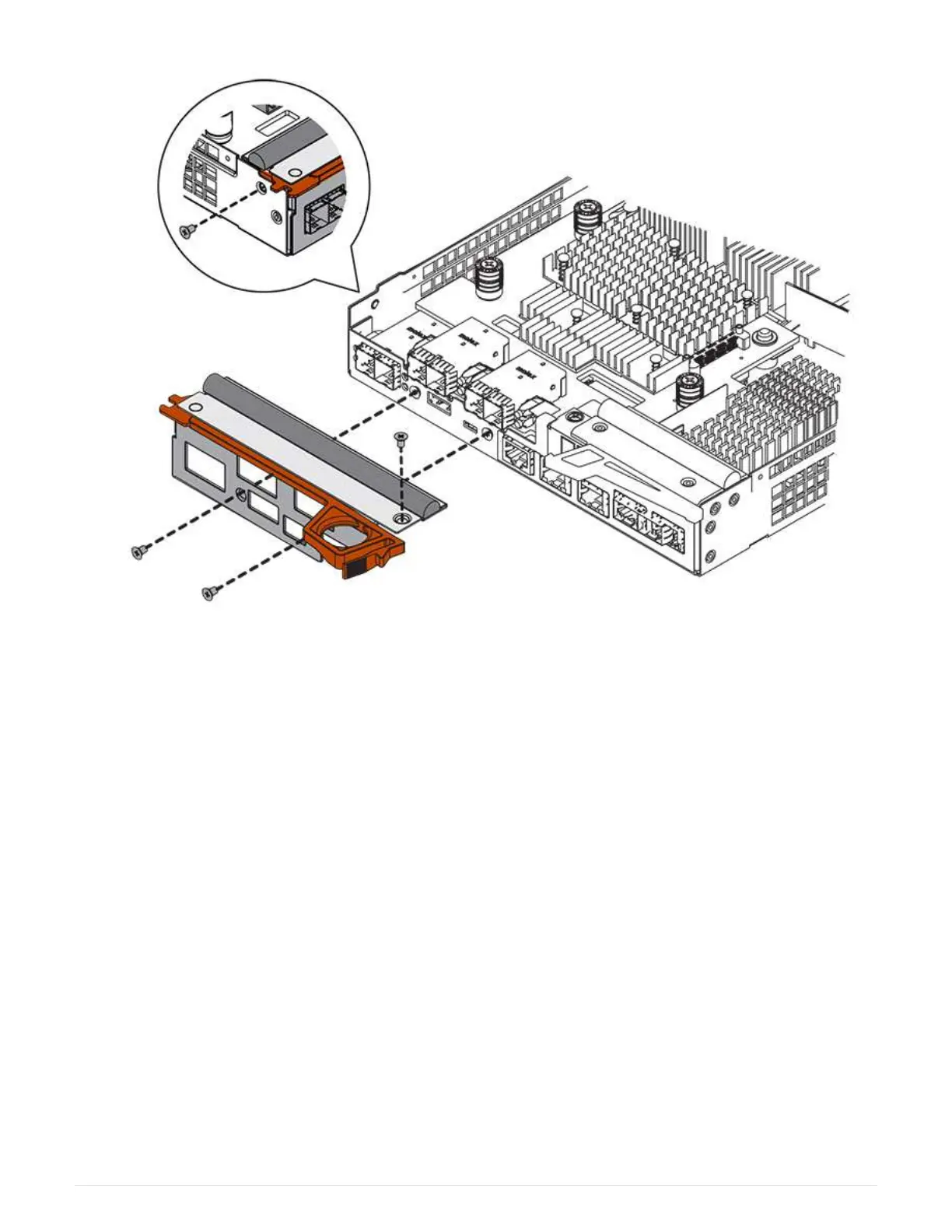
Step 4: Reinstall controller canister
Reinstall the controller canister into the controller shelf after installing the new HIC.
Steps
1. Turn the controller canister over, so that the removable cover faces down.
2. With the cam handle in the open position, slide the controller canister all the way into the controller shelf.
The following figure is an example of an E2824 controller shelf, or EF280 flash array:
9



 To Next Page