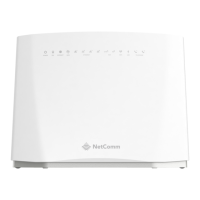
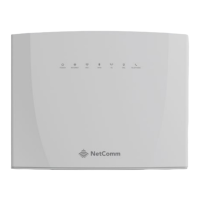
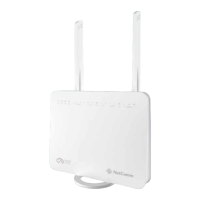
YML14WN ADSL2+ Modem Router User Guide
www.netcomm.com.au 7
NetComm Gateway Series - ADSL2+ Modem Router
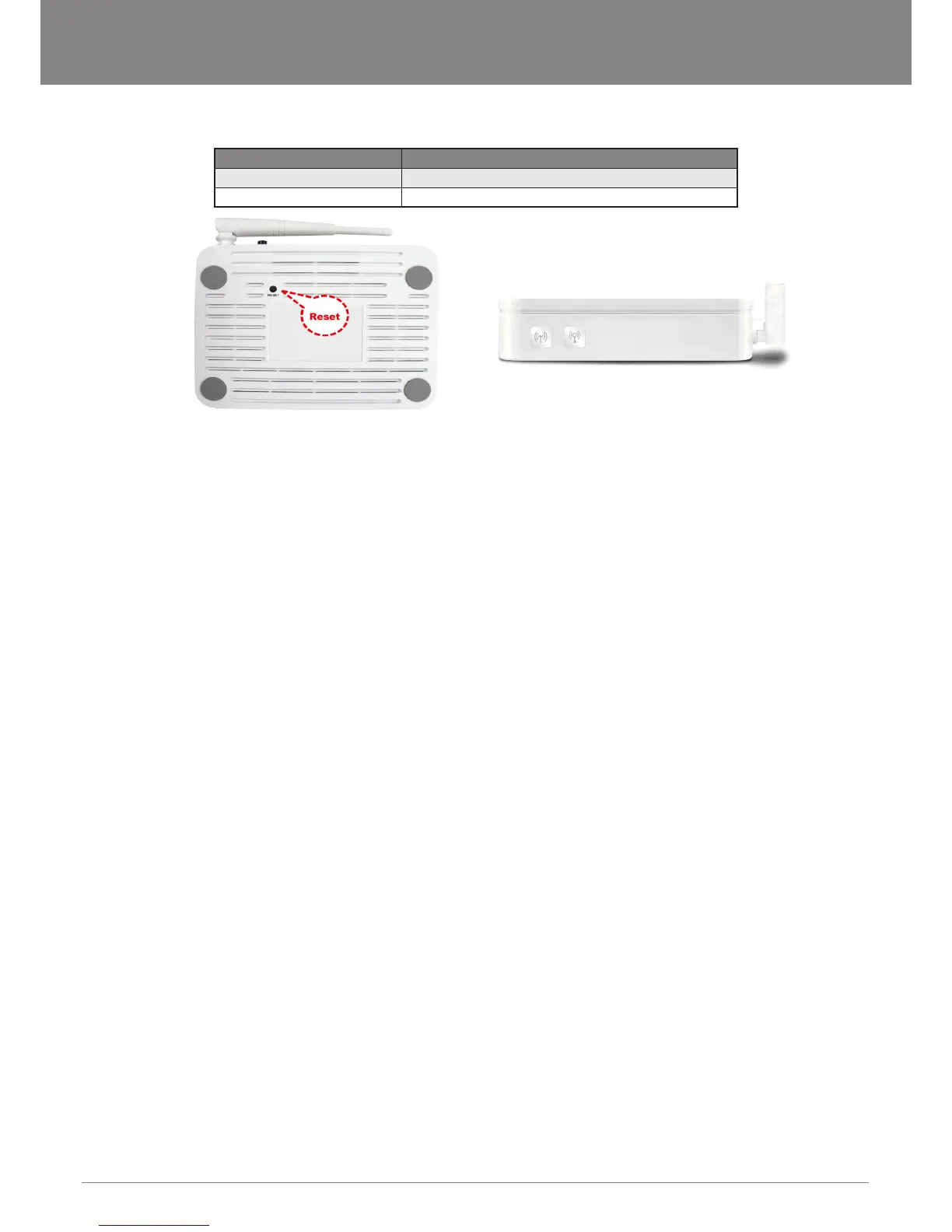
Side Panel
NOTE: Only applicable to the NB14WN
Connector Description
WPS Start WPS(Wi-Fi Protected Setup) peer within 2 minutes.
WLAN WLAN On/Off switch
Factory Default Settings
Before conguration, please refer to following default settings,
Web interface:
• Username: admin
• Password: admin
LAN IP Settings:
• IP Address: 192.168.1.1
• Subnet Mask: 255.255.255.0
DHCP: DHCP Server: Enable
Hardware Requirements
To use the ADSL2+ Modem Router, please have following hardware / accessories ready.
• A PC with a pre-installed Ethernet Adapter (Required)
• 12VAC power adaptor (Included in the package)
• RJ-45 Ethernet cable (Included in the package)
• RJ-11cable (Included in the package)
System Requirements
1. Pentium 200MHZ processor or above
2. Windows 98SE / Windows Me / Windows 2000 / Windows XP / Windows Vista / Windows 7 or MAC 10.3 or later
3. 64MB of RAM or above
4. 25MB free disk space
Package Contents
• NB14 Series ADSL2+ Modem Router
• CD-ROM (Software & Manual)
• Quick Start Guide
• 1 x Telephone Cable (RJ-11)
• Ethernet Cable (RJ-45)
• Power Adaptor


 To Next Page