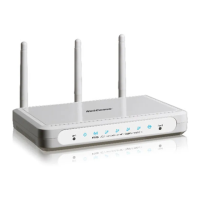
Step 3: Setting up your wireless security:
Please ensure that your modem/router is connected to your computer using an ethernet cable
before continuing.
LOGGING IN TO THE WEB INTERFACE
1. Open a web browser (such as Internet Explorer, Google Chrome or Firefox), type http://192.168.20.1 into the address bar and
press enter.
2. At the login screen, type admin into both the Username and the Password fields and click OK.
3. Click on the Wireless menu at the left of the page.
4. Ensure “Enable Wireless” is selected and enter a new “SSID”
before pressing the “Apply/Save” button.


 To Next Page
 Loading...