Hardware Setup
15
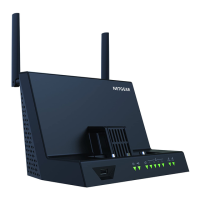
AirCard Smart Cradle
The mobile hotspot disables its WiFi signal so that you can connect to the cradle’s
stronger WiFi signal.
Note: Some hotspots require a firmware update before they automatically
disable WiFi when docked. If your mobile hotspot broadcasts its WiFi
signal when docked, manually set up your mobile hotspot to disable
WiFi when USB is connected.
See the mobile hotspot user guide for more information.
5. Connect to the Smart Cradle’s WiFi network.
On your computer or WiFi device, find and connect to the WiFi network name on the
Smart Cradle label

 To Next Page
 Loading...