108
8
8. Configure Advanced Features
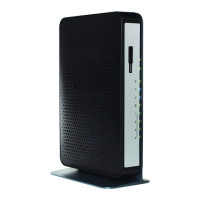
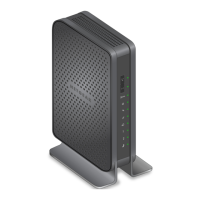
This chapter describes the advanced features of your cable data gateway. Networking
knowledge is needed to implement some of these features.
This chapter includes the following sections:
• Manage Advanced WiFi Settings
• Port Forwarding and Port Triggering Concepts
• Port Forwarding and Port Triggering Concepts
• Set Up Port Forwarding to Local Computers
• Set Up and Manage Port Triggering
• Set Up and Manage IP Address Filtering
• Set Up and Manage MAC Address Filtering
• Configure Dynamic DNS
• Manage the Cable Data Gateway Remotely
• Manage Universal Plug and Play
• Manage the Network Address Translation
• Manage the Ethernet Ports of the LAN Switch
• Manage Network Time Protocol


 To Next Page