13
Share a USB Drive on the Network
ReadySHARE lets you access and share a USB drive connected to
the router USB port. (If your USB drive has special drivers, it is not
compatible.)
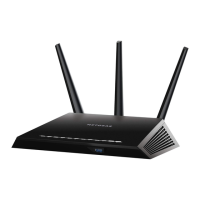
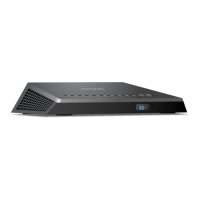
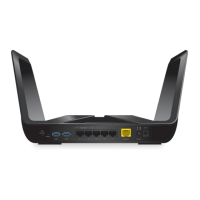
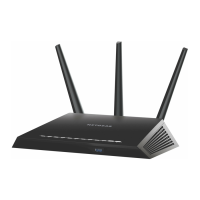
USB 3.0 port
To connect a USB drive:
1. Insert your USB storage drive into the blue USB 3.0 port on the
front of the router.
2. If your USB drive has a power supply, you must use it when you
connect the USB drive to the router.
When you connect the USB drive to the router USB port, it might
take up to two minutes before it is ready for sharing. By default,
the USB drive is available to all computers on your local area
network (LAN).


 To Next Page
 Loading...