Detaching the SFP+ port
To create a 10 gb/sec VLAN, start by setting up the SFP+ port as you would any VAP by navigating to Setup
> Networking:
Next, under the Port Setup heading, locate the group box called Network Configuration eth0 and unbridge
the interface by selecting the Unbridged radio button assigned to Bridge Assignment. Since it's going to be a
VLAN, select the Net Isolation radio button to isolate it from the rest of your network and assign IP/Subnet
mask of your choosing.
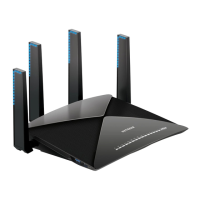
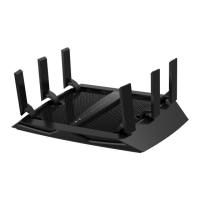
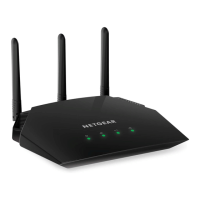
Netgear_R9000
Detaching the SFP+ port 4


 To Next Page
 Loading...