To Next PageTo Next Page
 Need help?
Do you have a question about the NETGEAR RAX50 and is the answer not in the manual?
Install the Nighthawk app on your mobile device to guide router setup and initial configuration.
Verify NETGEAR Armor cybersecurity activation to protect devices from online threats and phishing.
Discover advanced app functionalities like speed tests, internet pausing, and device management.
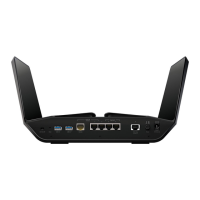
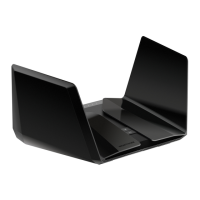
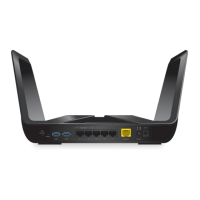
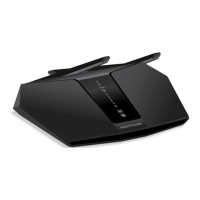
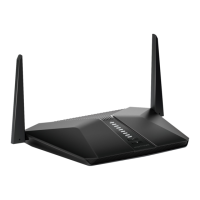
Learn about router's physical features including power, reset, USB ports, Ethernet, and WiFi LEDs.
Follow steps to troubleshoot router installation problems, including modem reboot and web interface access.
Find help through NETGEAR support website for downloads, FAQs, and community forums.
Access regulatory compliance, privacy policy, and terms and conditions for device usage.
 General
| Brand | NETGEAR |
|---|---|
| Model | RAX50 |
| Category | Wireless Router |
| Language | English |