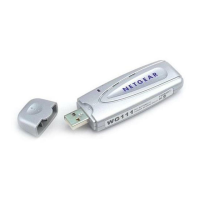
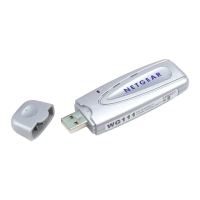
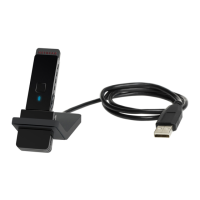
NETGEAR 54 Mbps Wireless USB 2.0 Adapter WG111v2 User Manual
10
v3.0, January 2007
Upgrading the Wireless Adapter Software
Upgrades may be available at the NETGEAR website. To install an upgrade, follow these steps.
1. Go to http://kbserver.netgear.com
2. Click the latest version of upgrade.
3. Examine the Release Note. Make sure to read any warnings and Known Problems.
4. Download the upgrade using the link in the Release Note.
5. Follow the Release Note installation instructions.


 To Next Page
 Loading...