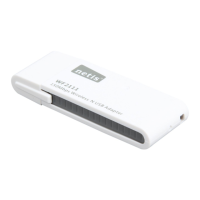
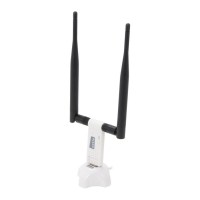
2.Hardware Connection
Plug the wireless adapter directly into an available USB interface on your
computer. (For WF2116/WF2151/WF2190, you may connect the adapter
and your computer with the USB cradle included.)
1
netis Wireless USB Adapter Quick Installation Guide
1.Package Contents
Wireless USB Adapter
Driver CD
USB Cradle
*only for WF2116,
WF2151,WF2190
QIG
* This QIG is for all netis wireless USB adapters, including models- WF2109, WF2111, WF2116,
WF2119, WF2119S, WF2120,WF2122, WF2123,WF2124, WF2503, WF2505, WF2506;WF2561,
WF2150, WF2151,WF2180,WF2190, etc.
* The product model shown in this QIG is WF2150, as an example.
3.Driver Installation
3.1. Insert the netis Driver CD into your CD-ROM drive.
net is W ir el ess U SB Ad ap ter
Qui ck I ns ta lla ti on G uid e



 To Next Page