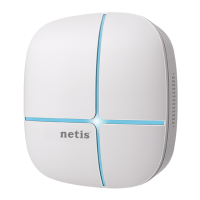
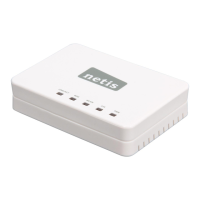
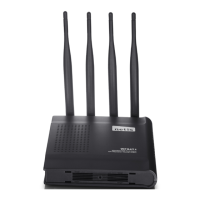
netis Wireless Dual Band Router Quick Installation Guide
3
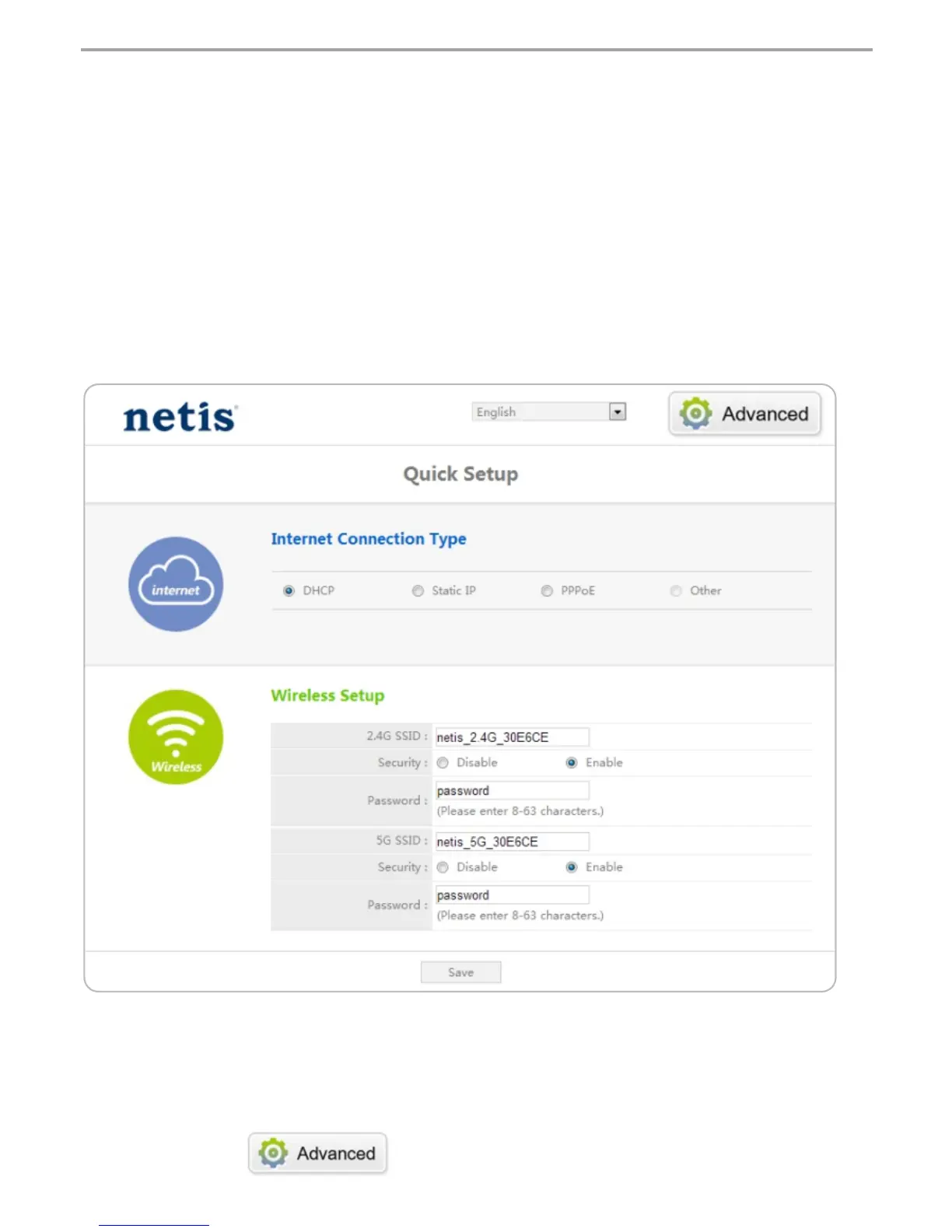
1) In “Quick Setup” page, select your Internet Connection Type.
If “DHCP (Cable Modem)” is selected, the router will automatically receive the IP
parameters from your ISP (Internet Service Provider).
If “Static IP” is selected, please enter the IP Address/Subnet Mask/Default
Gateway/DNS Servers given by your ISP.
If “PPPoE” is selected, please enter the Username and Password given
by your ISP.
2) Under Wireless Setup, configure your wireless network name (SSID) and
password.
3) Left-click on “Save” to make your settings take effect.
3. 3. Select the language as you need on the top box,default is in English.
Tip 1:
IP address: 192.168.1.1
2.4G default SSID: netis_2.4G_XXXXXX 5G default SSID: netis_5G_XXXXXX
Default wireless password: password
(XXXXXX: Last 6 digits of LAN MAC Address)
Tip 2:
You can click on button on the top for other Internet
connection types and further settings.


 To Next Page