5
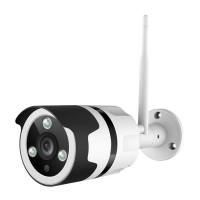
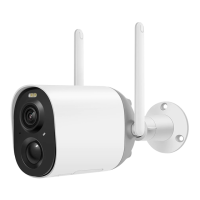
Vigil Plus Cam comes with a built-in card slot which supports up to
128GB Micro SD card.
Step 1: Open the cover.
Step 2: Insert the Micro SD card. Make sure to plug it in right direction.
Step 3: Finally, close the cover.
Vigil Plus Cam verfügt über einen integrierten Kartensteckplatz, der
bis zu 128 GB Micro SD-Karte unterstützt.
Schritt 1: Öffnen Sie die Abdeckung.
Schritt 2: Legen Sie die Micro-SD-Karte ein. Achten Sie darauf, es in die
richtige Richtung zu stecken.
Schritt 3: Schließen Sie abschließend die Abdeckung.
Vigil Plus Cam est livré avec un emplacement pour carte intégré qui
prend en charge jusqu'à 128 Go de carte Micro SD.
Étape 1: Ouvrez le couvercle.
Étape 2: Insérez la carte Micro SD. Assurez-vous de le brancher dans le
bon sens.
Étape 3: Enfin, fermez le couvercle.


 To Next Page