10
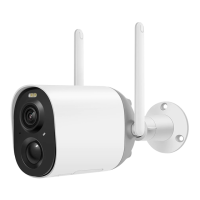
To turn on the camera:
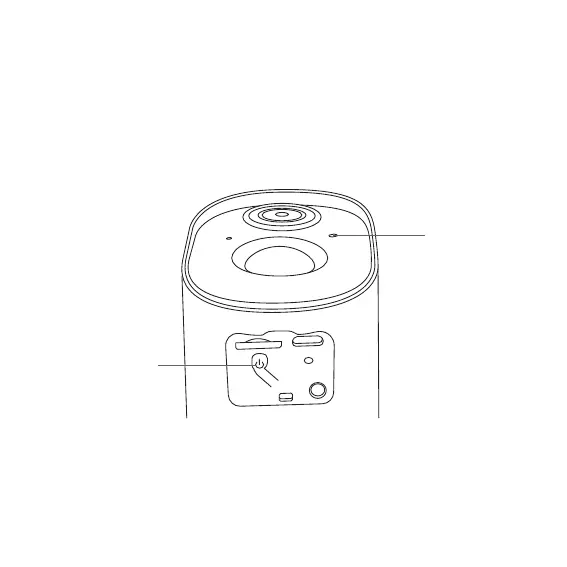
Long press the power button for 3s to turn on the camera. Then the
Status Light in the front of the camera will be solid blue.
Double click the power button to enter the WiFi mode after the
prompt tone.
Power Button
Status Light
How To Turn On & Off The Camera
To turn off the camera:
Long press the power button for 3s to turn off the camera. Then the
Status Light in the front of the camera will be off.


 To Next Page