KH 810/870 | 21
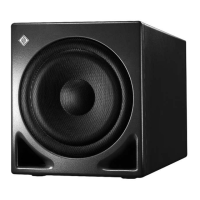
If the boost of the LFE channel is to be performed in the 7.1 Channel High Definition Bass
Management System of your subwoofer:
X
Make sure that the rotary switch LFE MODE S is not set to “DIRECT IN -> SUB ONLY”.
Set the switch LFE GAIN R to “ + 10 dB”.
The following settings only apply to the audio input INPUT | DIRECT IN / LFE /SUM 9.
X
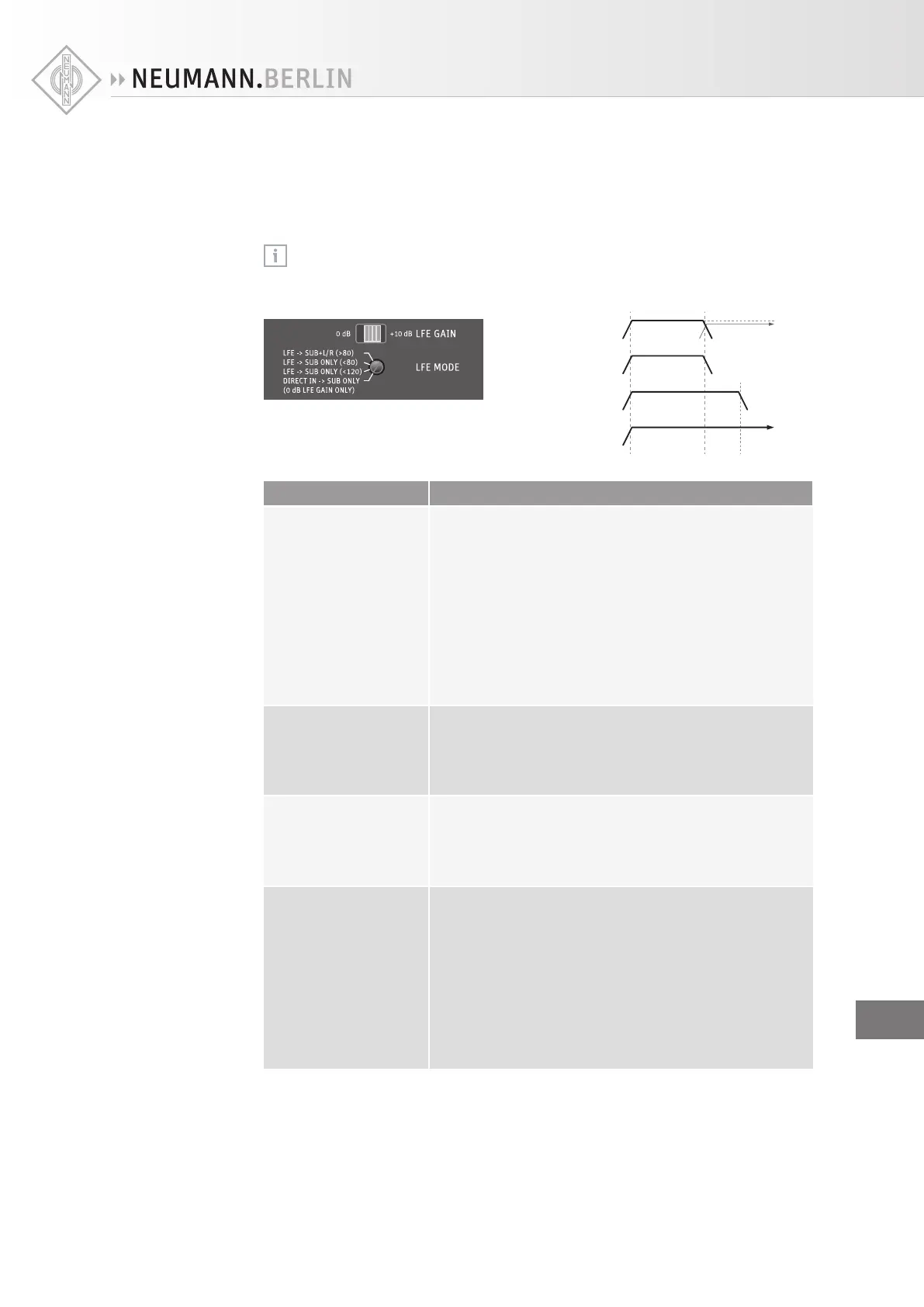
Set the rotary switch LFE MODE S to the desired position:
1. LFE → SUB + L/R (>80)
2. LFE → SUB ONLY (<80)
3. LFE → SUB ONLY (<120)
4. DIRECT IN → SUB ONLY
20 Hz 80 Hz 120 Hz
L/R at
−6 dB
Setting Behavior of the subwoofer
LFE → SUB + L/R (> 80) Up to 80 Hz, the LFE channel is reproduced by the sub-
woofer. Above 80 Hz, the LFE channel is routed to the audio
outputs OUTPUT | LEFT and RIGHT.
To compensate for a 6 dB acoustical gain when reproducing
the signal via the audio outputs OUTPUT | LEFT and RIGHT,
a 6 dB electrical attenuation is applied. This mode works
with all formats and is consistent with the standard
downmix coecients seen in consumer decoders.
Additionally, this mode is useful for detecting higher fre-
quency signals in the LFE channel that should be avoided
during mixing.
LFE → SUB ONLY (< 80) The LFE channel is reproduced up to 80 Hz in the subwoofer
only. This setting comes from a recommendation by Dolby
and THX to “pre-filter” the LFE channel and is used to simu-
late consumer decoders that do not reproduce the upper
part of the LFE bandwidth.
LFE → SUB ONLY (< 120) The LFE channel is reproduced up to 120 Hz in the subwoofer
only. This is the norm for the movie industry. Please note
that, during mixing, unwanted higher frequency signal
components (above 120 Hz) in the LFE channel are not
reproduced by the subwoofer.
DIRECT IN → SUB ONLY The LFE channel is reproduced by the subwoofer only. There
is no filtering of the LFE channel. Select this setting if you
want to daisy-chain additional subwoofers (see page 13)
and if an external bass management is used (e.g. surround
sound processors or DVD/Blu-ray disk players; the output
is often labeled “Subwoofer”).
Additionally, this mode is useful for detecting higher
frequency signal components (up to 300 Hz) in the
LFE channel that should be avoided during mixing.
Please note that the LFE gain is always 0 dB in this mode.
Adjusting the
LFE mode
EN


 To Next Page