20 | KH 810/870
X
Check the settings of the sound pressure level and frequency response by means of music
signals. Listen for a smooth extension of the frequency response of the main loudspeakers
down to 20 Hz.
To to this, proceed as follows:
X
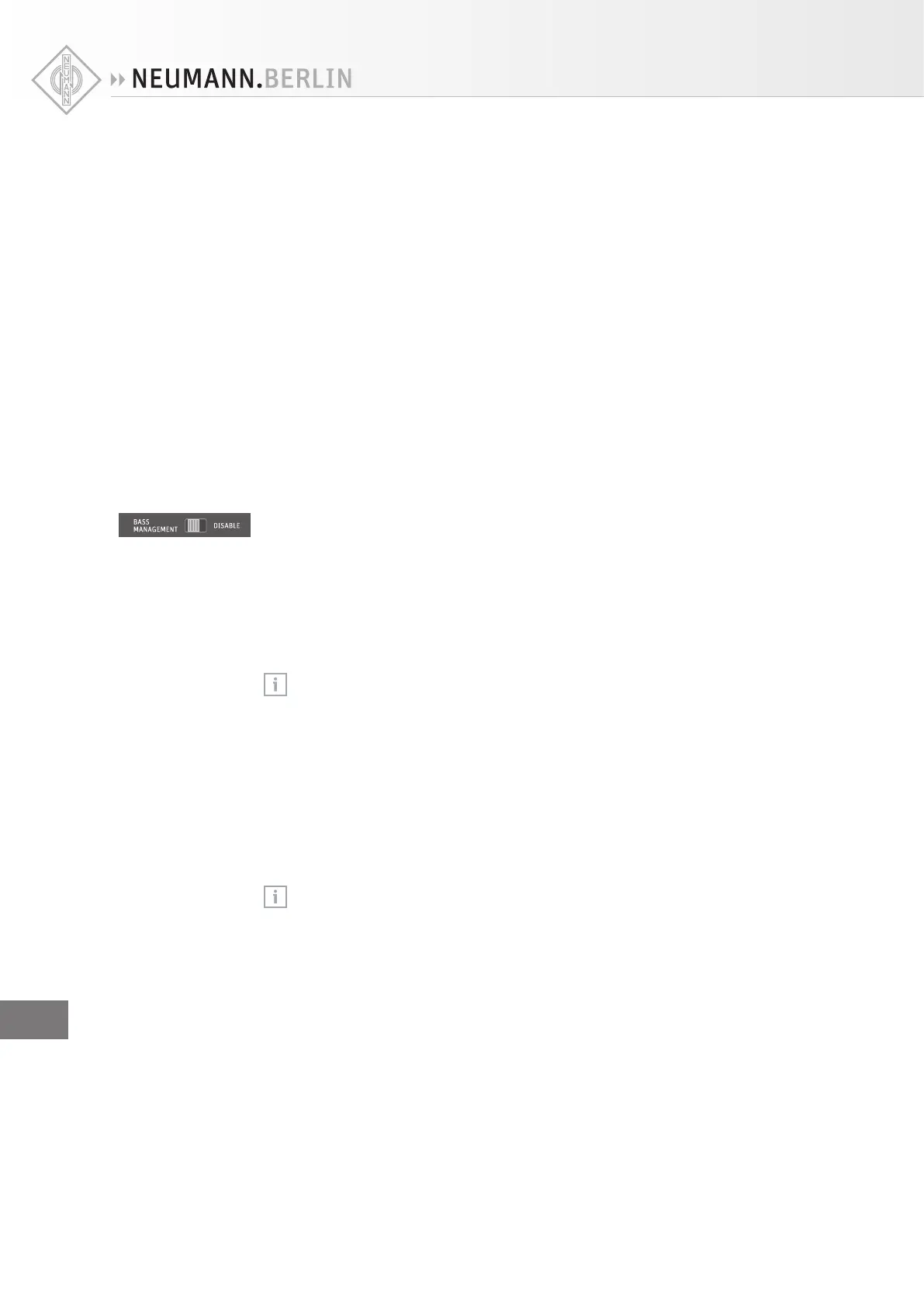
Listen to music containing content down to 20 Hz. Activate and disable the bass management
by repeatedly moving the switch BASS MANAGEMENTG between the two positions. There
should be no increase or decrease in level below 80 Hz.
Compensating for larger time of flight (TOF) dierences
If the subwoofer is placed at a distance > 2 m (6'6") behind the loudspeakers with reference to
the listening position, the subwoofer’s integrated compensation settings will not suce.
X
Connect the KH810/870 to an electronic time delay. Insert the electronic time delay into the
signal path between the sockets OUTPUT A of the subwoofer and the input sockets of the
loudspeakers.
X
Compensate for TOF dierences using the electronic time delay (see the operating instruc-
tions of the delay).
Using the bass management
X
Set the switch BASS MANAGEMENT G to “BASS MANAGEMENT”.
The bass management is activated. This inserts a 4
th
order 80 Hz high pass filter into the
signal path of the audio outputs OUTPUT | LEFT, CENTER, RIGHT, LEFT/RIGHT SURROUND and
LEFT/RIGHT BACK and routes all audio signals below 80 Hz to the subwoofer. The LED BASS
MANAGEMENT F lights up green.
To exclude the audio channels OUTPUT | LEFT/RIGHT BACK and OUTPUT | LEFT/RIGHT SUR-
ROUND from the bass management:
X
Set the switch REAR CH BASS MANAGEMENT H to “DISABLE”.
If you set the switch BASS MANAGEMENT G to “DISABLE”, this also deactivates the
bass management of the audio outputs OUTPUT | LEFT/RIGHT BACK.
If you deactivate the bass management, the audio signal of the audio outputs OUTPUT | LEFT,
CENTER, RIGHT, LEFT/RIGHT SURROUND and LEFT/RIGHT BACK is only reproduced by the
loudspeakers, while the subwoofer only reproduces the signal of the LFE channel. Use this
function to prevent the low frequency signal components of the main channels being repro-
duced by the subwoofer.
X
Set the switch BASS MANAGEMENT G to “DISABLE”.
Boosting the LFE channel and adjusting the LFE mode
If you are using three subwoofers in a 4-way system (see page 14), the acoustical
level of the LFE signal is boosted by 9.5 dB. In this case, it is sucient to increase the
level of the audio source by 0.5 dB to obtain an LFE gain of 10 dB.
You can boost the level of the LFE channel by 10 dB. This boost can be performed in the moni-
toring matrix (console or external), in a decoder output stage (surround sound processor or
DVD/Blu-ray disk player), or in the 7.1 High Definition Bass Management System of the
KH810/870.
X
First, check if a 10 dB gain has already been applied somewhere else in the signal path.
If this is the case:
X
Make sure that the switch LFE GAIN R is set to “0 dB”.
Compensating for
TOF dierences by
means of an
electronic time
delay
Using the LFE
10 dB gain
EN


 To Next Page