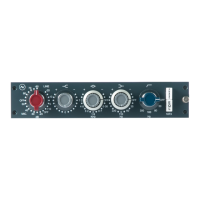
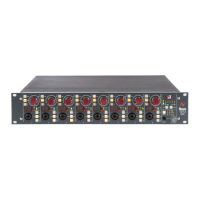
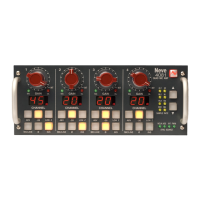
High Pass Filter:
18dB per octave slope, switchable between 50Hz, 80Hz, 160Hz, 300Hz.
Phase: Reverses the phase of the output signal. In the default position, absolute
phase is preserved through the unit.
EQ: Switches the equalisation circuit into the signal path.
INS: Switches the insert loop into the signal path.
PRE: Positions the insert loop before the equalisation circuit (pre-EQ). In the
default position (switch not depressed) the insert loop is positioned
immediately after the equalisation circuit (post EQ).
LEVEL: Adjusts the output audio level. This control is post-EQ be pre-output
stage. The thick line on the graticule indicates the point of nominal unity
gain; the unit has ~5dB in hand. Pressing this knob cycles the level
meter take-off point through three possible points in the signal path,
indicated by the adjacent LEDs.
Take-off LEDs and Clip Indication:
One of three LEDs lights green to indicate the selected take-off point
for the level meter, chosen by pressing the LEVEL knob. The three
possible take-off points are: pre-EQ, post-EQ, post output stage. In
addition, LEDs will light red if their respective take-off point is close to
clipping. Clip indication is always active whichever take-off point
happens to be selected.
Level Meter:
Peak responding level meter. The audio level can be monitored at one of
three locations chosen by pressing the LEVEL knob.
VOLUME:
Controls the volume of the headphone output.
Pressing the knob cycles the headphone monitoring location though
three options, indicated by the adjacent LEDs:
Channel 1 only
Channel 1 (left ear) + Channel 2 (right ear)
Channel 2 only
Phone Jack:
Stereo headphone output jack.


 To Next Page