EasyManua.ls Logo

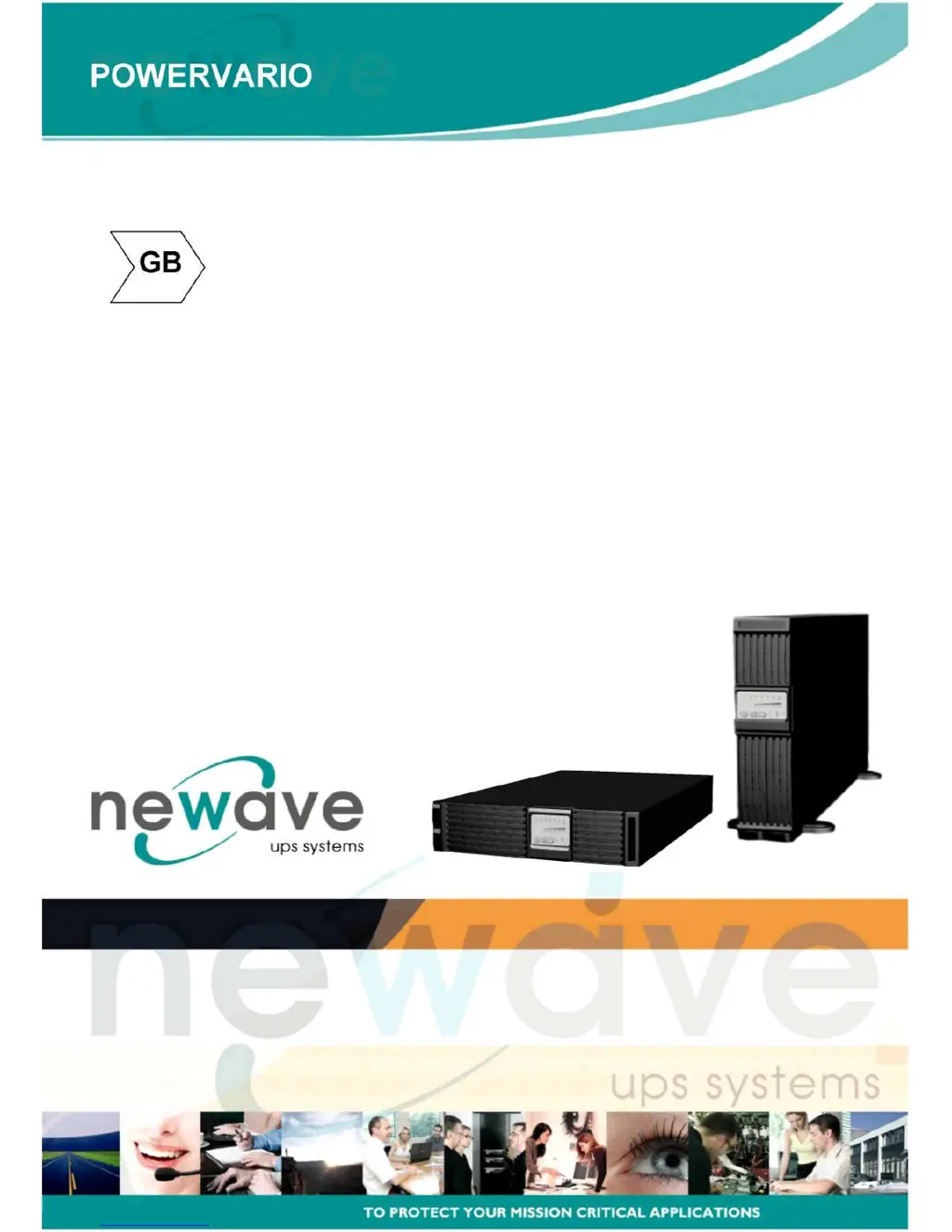
Newave 1000-3000VA - User Manual

Newave 1000-3000VA
52 pages
Print Icon
To Next Page IconTo Next Page
Loading...
User Manual
1000-3000VA (single phase In/Output)
Intelligent True On-Line Uninterruptible Power Supply (UPS)
For Corporate & IT User Installation Guide

Table of Contents

Questions and Answers

  • M
    murphysarahJul 31, 2025
    What to do if Newave UPS has fault LED?
    • R
      Rachael PittsJul 31, 2025
      If the Newave UPS fault LED is on, take the following actions: * Ensure the battery connection is properly done. * Measure the battery voltage to ensure the batteries are charged or healthy. * Recharge the batteries for 8 hours if necessary. * Simulate a utility outage to verify if the UPS can provide DC back-up. * Disconnect some non-critical loads from the UPS output until the overload ceases. * Check for any short circuits between cables due to broken cable insulators and replace the cables if necessary. * Remove any objects obstructing the ventilation louvers. * Verify if the cooling fans are working properly. * Verify if the 'L' & 'N' phase of the Utility AC source has been wrongly wired or if the Ground-Neutral Voltage exceeded the limits.
  • A
    Ashley DonaldsonAug 9, 2025
    What to do if Newave UPS is unable to provide backup power?
    • L
      lauralarsonAug 9, 2025
      If your Newave UPS fails to provide backup power, check that the battery connectors are fully engaged. If the battery is weak, allow it to recharge. If the problem persists after recharging, replace the battery.
  • J
    judy73Aug 19, 2025
    What to do if Newave UPS makes strange noise and smell?
    • J
      Joshua JamesAug 20, 2025
      If your Newave UPS emits a strange noise or smell, immediately shut down the entire system and disconnect the power from the UPS.

Summary

Standard Unit Installation

Important Installation Precautions

Crucial safety and installation prerequisites for proper UPS setup and warranty.

UPS Functional Descriptions

Front Panel Display Overview

Explains the meaning and function of front panel LEDs and control keypads.

Operating Modes and Voltage Configuration

System Configuration Settings

Guides on configuring UPS parameters like input/output voltage and mode via software.

Programmable Outlet Settings

Installation and Operation Guide

Selecting Installation Position

Tower Configuration Setup

Rack-Mount Configuration Setup

UPS Operation Procedures

Start Up in Normal AC Mode

Procedure for powering on the UPS when utility AC power is available.

Start Up in Battery Mode (Cold Start)

Steps to start the UPS directly from battery power without AC input.

UPS Shutdown Procedure

Instructions for safely shutting down the UPS in AC or DC modes.

Self Testing during AC Mode

Status and Alarm Buzzer Indicators

Explains UPS status indicators and buzzer alerts for various conditions.

Battery Replacement Procedure

Operation Under Normal Utility Power

Operation During Utility Abnormal;Absent Power

Describes how the UPS functions during power outages or voltage fluctuations.

Handling Overload Conditions

Inverter Failure Response

Over-Temperature Protection

Explains reactions to internal over-temperature conditions.

Voltage and Current Tolerance Issues

Addresses issues with over-current and voltage tolerance from the inverter.

Maintenance Guide

Error Codes and Descriptions

Battery Bank Installation

Battery Bank Installation - Chapter 3

Selecting Installation Position for Battery Bank

Tower Installation Instructions

Rack Mount Installation Instructions

Replacing the UPS Battery

UPS Technical Specifications

Specifications Overview

Battery System Specifications

Newave 1000-3000VA Specifications

General IconGeneral
WaveformSimulated Sine Wave
Operating Temperature0-40°C
Storage Temperature-15-45°C
Output Voltage220/230VAC
Frequency50/60Hz
Battery TypeSealed Lead-Acid (SLA)
Communication InterfaceRS232/USB
Humidity0-95% non-condensing
DimensionsVaries by model
WeightVaries by model

Related product manuals