EasyManua.ls Logo

Newland MT65 beluga II - User Manual

Newland MT65 beluga II
51 pages
Print Icon
To Next Page IconTo Next Page
Loading...
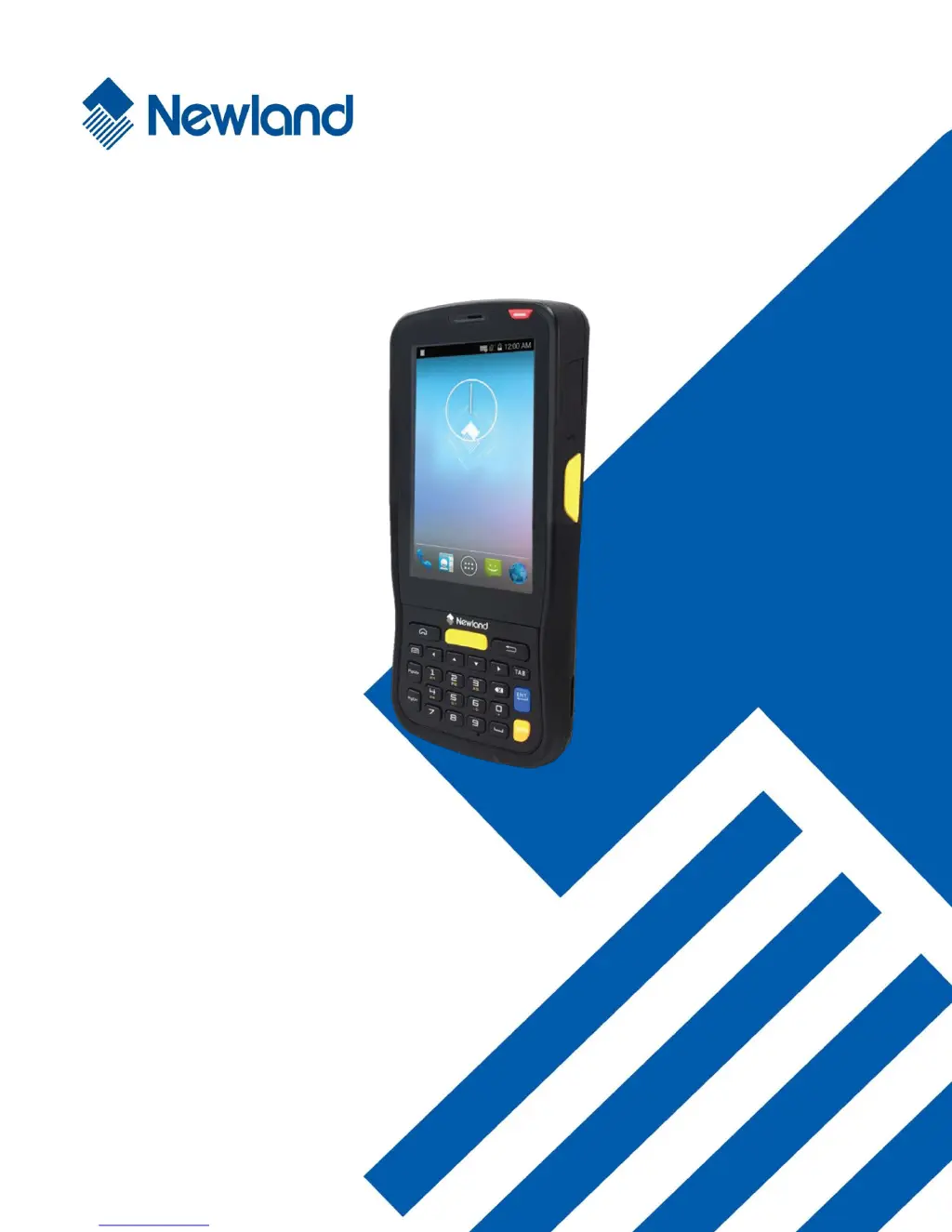
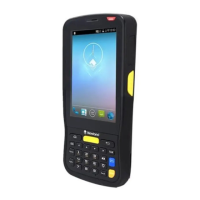
MT65 Beluga II
Portable Data Collector
User Guide

Table of Contents

Questions and Answers

Summary

Chapter 2 Getting Started

Initial Setup and Unpacking

Covers initial device setup, unboxing, and optional accessories.

Battery Installation and Charging

Instructions for installing, removing, and charging the device battery.

Chapter 4 Scanning Barcodes

Scanner Programming

Configuring scanner settings like output mode and symbologies.

Chapter 5 Bluetooth

Chapter 6 Wi-Fi

Wi-Fi and IP Settings

Instructions for joining Wi-Fi networks and configuring IP settings.

Chapter 7 Mobile Network

Chapter 8 Admin Tool

Admin Password and Mode Configuration

Setting the admin password and configuring app access.

Chapter 9 Whitelist Manager

Chapter 11 System Update

Online System Update Process

Steps for downloading and installing system updates over the network.

Chapter 13 Maintenance & Troubleshooting

Safety and Handling Precautions

Important safety guidelines for using and maintaining the device.

Troubleshooting Common Issues

Solutions for problems related to keypad, battery, USB, and system.

Newland MT65 beluga II Specifications

General IconGeneral
BrandNewland
ModelMT65 beluga II
CategoryHandhelds
LanguageEnglish

Related product manuals