EasyManua.ls Logo

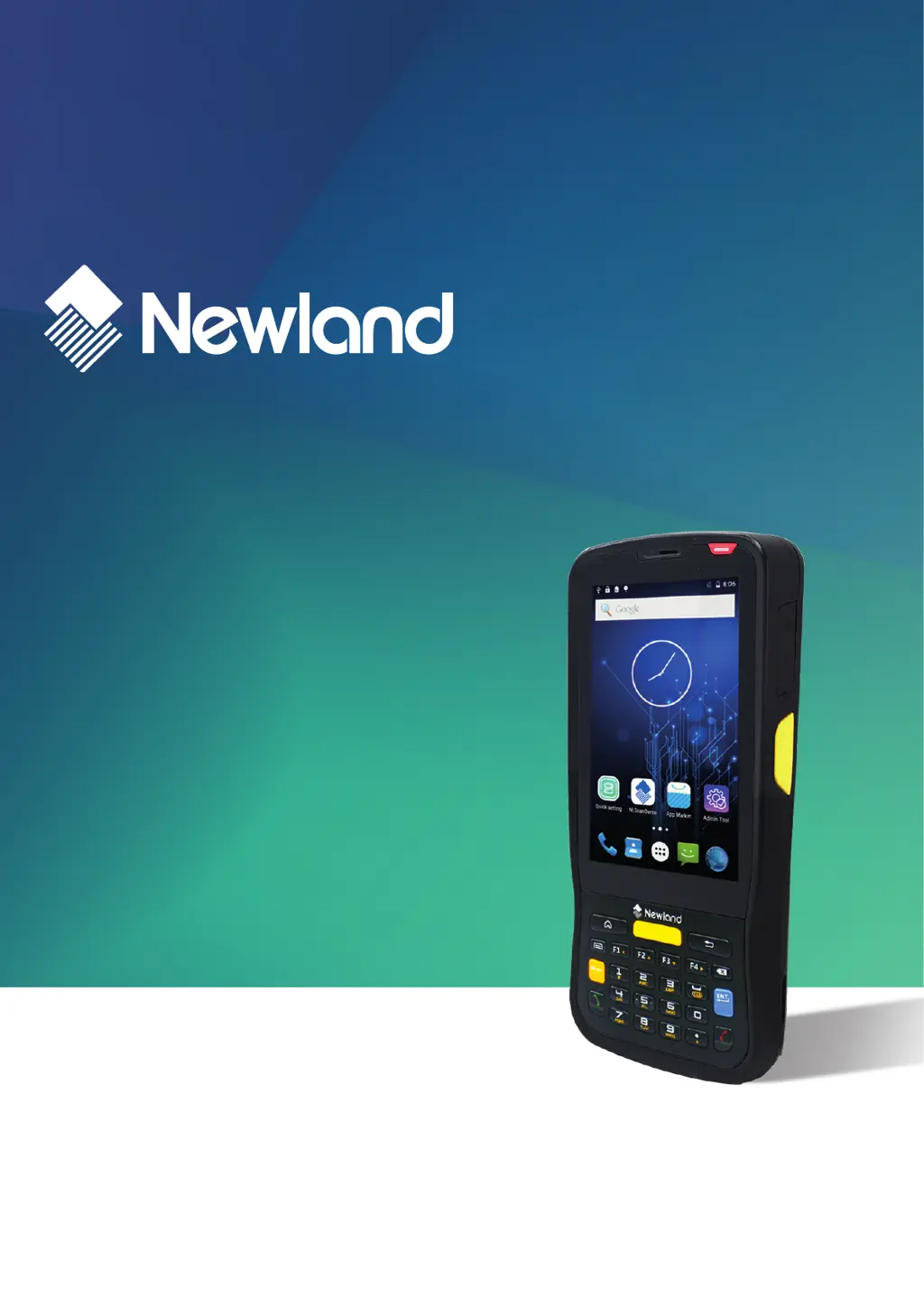
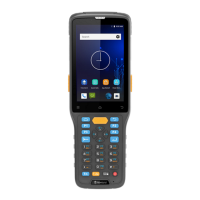
Newland MT65 Beluga IV - User Manual

Newland MT65 Beluga IV
60 pages
Print Icon
To Next Page IconTo Next Page
Loading...
SCANNING MADE SIMPLE
MT65 Beluga IV
mobile computer
user guide

Table of Contents

Questions and Answers

  • K
    Karen ContrerasAug 19, 2025
    What to do if my Newland PDA cannot switch on?
    • A
      Angela ReedAug 19, 2025
      If your Newland PDA won't switch on, first, check its battery level and recharge it if depleted. If the problem persists, use the included AC adapter to connect the terminal to a power outlet and try switching it on. If it works, continue charging. If it still doesn't switch on after charging, the battery may need replacement.
  • C
    carlsnyderAug 21, 2025
    Why does my Newland PDA have no display?
    • B
      bakerkarenAug 21, 2025
      If your Newland PDA shows no display, ensure that the terminal is switched on. If it's in sleep mode, press the Power key to wake it up. Also, check the battery level and recharge if needed. Make sure the battery is properly installed. If none of these steps work, the battery might be faulty and need replacement.
  • B
    Brian JohnsonAug 23, 2025
    What to do if I have USB communication failure with Newland PDA?
    • J
      Jasmine RowlandAug 25, 2025
      To address USB communication failure with your Newland PDA, first, ensure that the USB cable connections are securely plugged in. Then, check the Micro USB port for any contaminants that might be obstructing the connection.
  • D
    Darrell LawrenceAug 26, 2025
    Why does my Newland PDA have noticeably short battery life?
    • J
      Jack MorganAug 26, 2025
      If your Newland PDA battery is draining too quickly, start by checking the battery level and fully recharging it if it's low. If the short battery life continues after a full charge, the battery may be faulty and need to be replaced.
  • N
    Nicholas MedinaAug 28, 2025
    What to do if fully charged Newland PDA battery is depleted after the terminal is switched on?
    • M
      Michael StephensAug 28, 2025
      If a fully charged battery in your Newland PDA depletes immediately after switching on the terminal, it indicates that the battery is likely faulty and needs to be replaced with a new one.
  • A
    angela69Aug 30, 2025
    Why has my Newland PDA system halted?
    • A
      Ann PerezAug 30, 2025
      If your Newland PDA system has halted, it may be due to bugs in downloaded apps. To resolve this, ensure that you are only using reliable apps. Alternatively, the problem might be caused by a sudden power loss. In this case, remove and then reinstall the battery to reset the terminal.
  • O
    Omar PhillipsSep 1, 2025
    What to do if charging LED is OFF when charging Newland PDA?
    • C
      cheyennecampbellSep 1, 2025
      When the charging LED is OFF while charging your Newland PDA, ensure that the AC adapter is correctly and securely plugged in.
  • S
    ssmithSep 3, 2025
    Why won't my Newland Handhelds switch on?
    • K
      Kathleen KellySep 3, 2025
      If your Newland Handhelds device won't switch on, first check the battery level and recharge it if depleted. If that doesn't work, connect the device to a power outlet using the AC adapter. If it switches on, continue charging. If the problem persists after charging, replace the battery.
  • S
    Shane LeachSep 5, 2025
    What to do if my Newland Handhelds has no display?
    • B
      Brenda SanchezSep 5, 2025
      If your Newland Handhelds device has no display, ensure the terminal is switched on. If it's in sleep mode, press the Power key. Check the battery level and recharge if needed. Also, ensure the battery is properly installed. If none of these steps work, replace the battery.
  • S
    Scott WallsSep 8, 2025
    What to do if Newland Handhelds has a noticeably short battery life?
    • J
      joseserranoSep 8, 2025
      If your Newland Handhelds device exhibits a noticeably short battery life, check the battery level and recharge if low. If the issue persists, replace the battery.

Newland MT65 Beluga IV Specifications

General IconGeneral
BrandNewland
ModelMT65 Beluga IV
CategoryData Loggers
LanguageEnglish

Related product manuals