EasyManua.ls Logo

NewLine ER Series - User Manual

NewLine ER Series
90 pages
Print Icon
To Next Page IconTo Next Page
Loading...
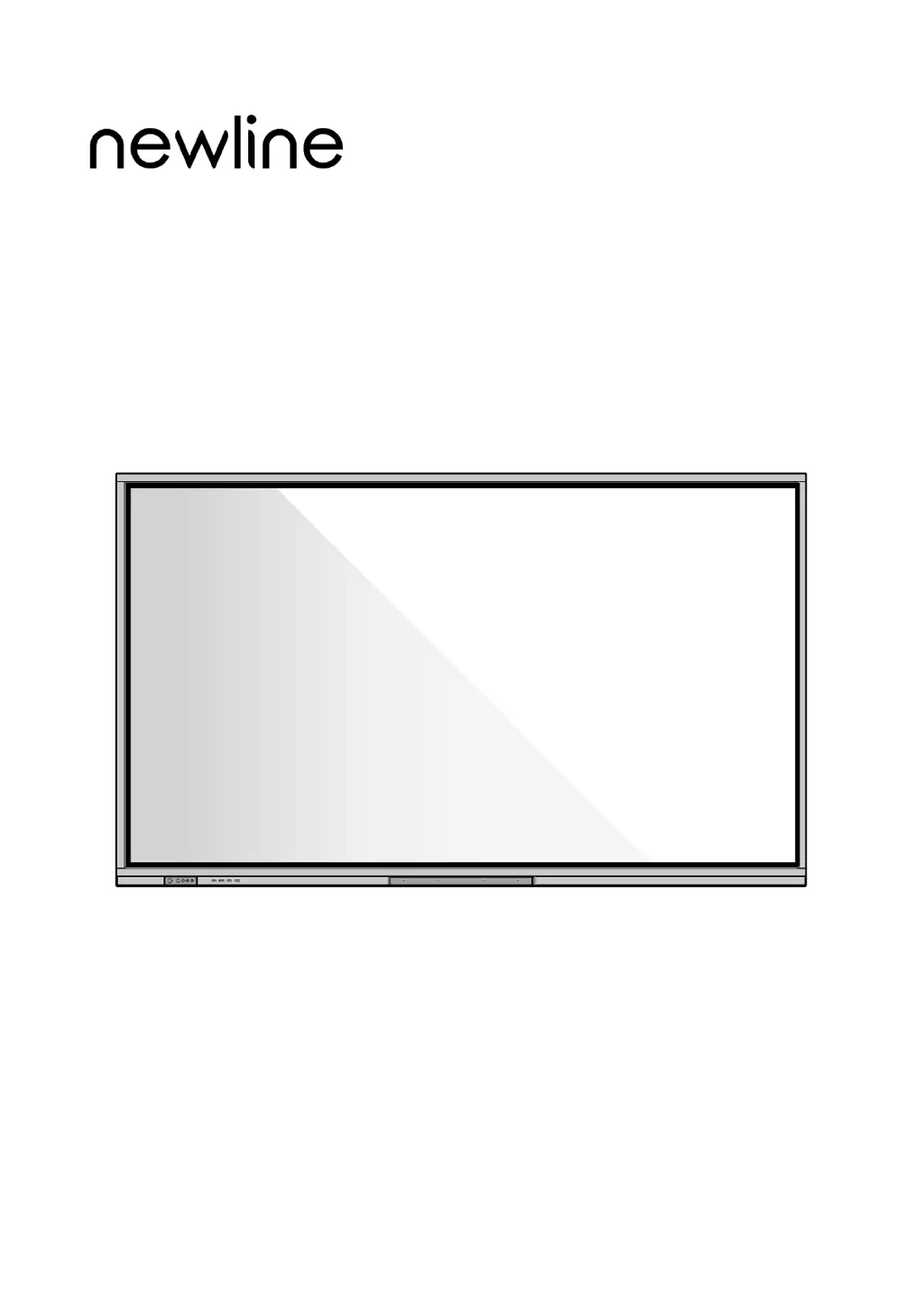
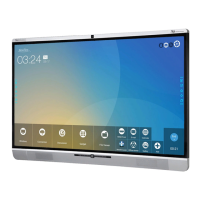
Collaboration Touch Screen
User Manual
ER Series
V1.0
Please keep this Manual properly for future reference!
This manual is a general manual, the pictures are for reference only, Please refer to the real product.

Questions and Answers

  • V
    vjohnsonAug 17, 2025
    What to do if my NewLine ER Touch Panel has no image display?
    • I
      icarterAug 17, 2025
      If your NewLine Touch Panel isn't displaying an image, make sure the power cord is connected to an outlet and the power is on. Also, check that the rocker switch on the machine is turned on and that the input computer is correctly connected, ensuring the input source is correct.
  • S
    suzannethompsonAug 20, 2025
    How to fix a NewLine ER Touch Panel that won't turn on or has the indicator off?
    • K
      Kimberly FernandezAug 20, 2025
      If your NewLine Touch Panel isn't turning on, check the following: ensure the power socket is connected to the power source, verify the power plug is properly plugged in, check the power line for any damage, and confirm that the rocker switch is turned on.
  • J
    Jamie HillAug 23, 2025
    Why is there no sound on my NewLine Touch Panel when the image is normal?
    • J
      Joy ThomasAug 23, 2025
      If you see a normal image but hear no sound on your NewLine Touch Panel, first check the volume level. Next, make sure the mute button on the remote control hasn't been pressed. Finally, verify that the mute function in the menu is not turned on.
  • C
    Cassidy WheelerAug 26, 2025
    What to do if the NewLine ER Touch Panel remote control is not working?
    • B
      Barbara PerryAug 26, 2025
      If your NewLine Touch Panel's remote control isn't working, try these steps: replace the battery, clean the transmission port on top of the remote control to ensure it's not blocked, and check that the batteries are correctly installed.
  • R
    Rhonda PattersonAug 28, 2025
    How to resolve abnormal image color on a NewLine ER?
    • D
      Dustin WhiteAug 28, 2025
      To fix abnormal image colors on your NewLine Touch Panel, check whether the HDMI cable is properly connected. Also, check the connection of the VGA cable.
  • K
    Kristen AbbottAug 30, 2025
    Why does my NewLine ER automatically turn on and off?
    • M
      Monica BeanAug 30, 2025
      Your NewLine Touch Panel might be turning on and off automatically due to these reasons: the automatic power on/off function might be enabled, the device may be entering sleep mode after being idle, or the input power could be unstable. Turn off the automatic power on/off function. Check whether the device has been idle for a significant period and therefore the machine has entered sleep mode. Check whether the input power is stable.
  • T
    Thomas DonaldsonSep 1, 2025
    What causes image or sound disturbances on a NewLine ER and how to fix it?
    • J
      Jennifer MartinezSep 1, 2025
      If you're experiencing image or sound disturbances on your NewLine Touch Panel, try these solutions: * Locate any nearby electrical equipment that might be causing interference and move it away from the panel. * Avoid sharing the same power outlet with equipment that could cause interference.
  • M
    Megan MooreSep 4, 2025
    How to fix a NewLine Touch Panel when the built-in computer has no signal?
    • J
      James MurraySep 4, 2025
      If the built-in computer in your NewLine Touch Panel shows no signal, check if it is properly inserted into the slot and whether it's in sleep mode. If it is off, press the power button on the built-in computer to turn it on manually.
  • J
    Joyce BlackburnSep 7, 2025
    What to do if the built-in computer on my NewLine ER won't turn on?
    • I
      iwarrenSep 7, 2025
      If the built-in computer on your NewLine Touch Panel isn't turning on, ensure the computer and the panel are properly connected. If the issue persists, consider replacing the built-in computer.
  • V
    Victoria ChoiSep 9, 2025
    Why am I unable to write on the NewLine ER?
    • B
      billysmithSep 9, 2025
      If you are unable to write on the NewLine Touch Panel, you can try the following: use a different colored pen, use a Smooth pen, holding it far from the tip at an angle greater than 60°, or remove any sources of interference.

NewLine ER Series Specifications

General IconGeneral
BrandNewLine
ModelER Series
CategoryTouch Panel
LanguageEnglish

Related product manuals