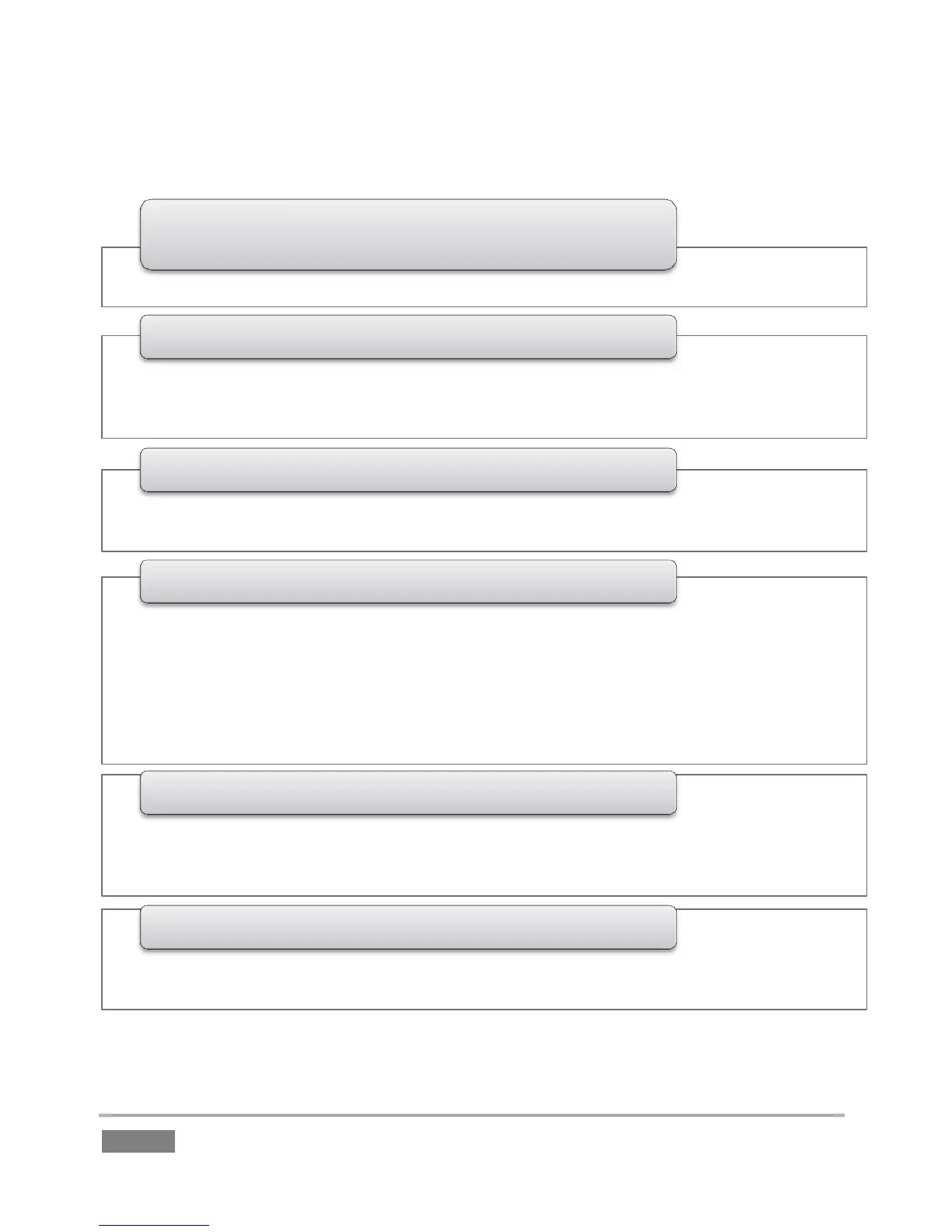
•Menus (settings and options), quick access to Grab, Record, and timecode
1 - Dashboard
• Input Monitors - monitor all active inputs for the session
• Output Monitors - large full-time monitors for Output A and B, with Channel Info displays
• (Configurable Multiview display on secondary monitor)
2 - Monitoring
• FastClip toolbar - displays clip /event data and text input, includes Search tools
• Transitions, Overlays and Transport - playback, program-preview transitions and DSKs
3 - Toolbar
• Speadsheet style event management; lists marked events as rows with In Point, Out Point
and Duration
• Trim, re-order and organize events in renamable tabs
• Add unique comments for individual clips (angles)
• Select and play clips
• Integral clip monitors show all angles of the current event row simultaenously
• Search results tab
4 - CLIP LIST
•Add clips and other content to create highlights reels, complete with optional transitions
and music
•Export play lists, including transitions and sounds, as rendered clips
5 - PLAY LIST
• Powerful tagging system; quickly add pre-defined tags to the FastClip dataview for
commenting, Search and more
6 - TAGS


 To Next Page