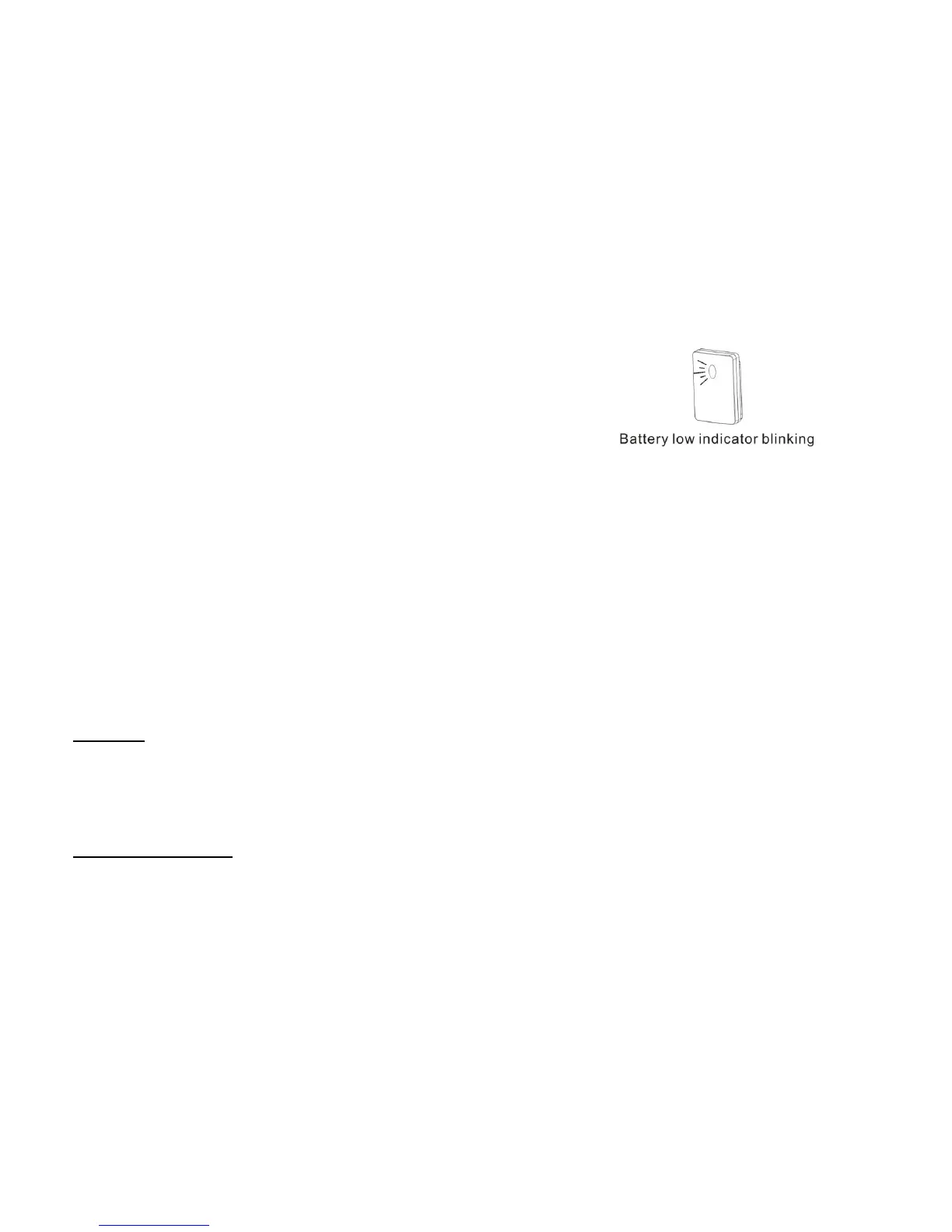
4. Battery low indicator:
When battery low, LBST-604 starts to blink (blinking once every 3 seconds)
seeing through the LED lens. From this moment, LBST-604 does not
work function till fresh battery replaced and re-starts normal function.
Battery low indicator will only blink out of delay-time period
which means within the delay-time period, LBST-604
continues its “ON” function, until delay-time finish, battery
low indicator just starts to blink if battery low.
After replacing fresh battery into LBST-604, there is no need
to re-learn the code with receiver and no need to re-set the start-up
brightness lux. because LBST-604 keeps these memory even battery
low or without battery.
To re-start LBST-604 function, only push the START button for 1 second and release hand
from that. LBST-604 will be normally operated at the former set up brightness level which is before battery low.
INSTALLATION:
1. Disassembly the stand/hanging hook from LBST-604 (fig. 1).
2. Screw out the battery compartment cover (fig. 2).
3. Load battery 2x1.5V AAA (Alkaline) (fig. 3).
4. Link code/Change or delete code:
Link code:
*Program LBST-604 with the receiver.
*Receiver connected power on.
*Bring LBST-604 near the receiver, push the self program button on receiver once (fig. 4).
*Receiver LED will blink slowly, switch LBST-604 LEARN button to “SET” position (fig. 4).
*Receiver connected lamp will blink twice, code is confirmed and LED stops blinking.
*LBST-604 and receiver codes is auto programmed.
Change or delete code:
*Bring LBST-604 near the receiver, push the self program button of receiver once (fig. 5).
*Receiver LED will blink slowly, switch LBST-604 LEARN button to “DEL” position (fig. 5).
*Receiver connected lamp will blink twice for confirmation, code is deleted and LED stops blinking.
5. Select “delay-time switch” to set up the time period that LBST-604 lasting “ON” for (fig. 6).
6. Tidy up waterproof rubber ring in the cabinet trench (fig. 7).


 To Next Page