EasyManua.ls Logo

Nexen GC300 - User Manual

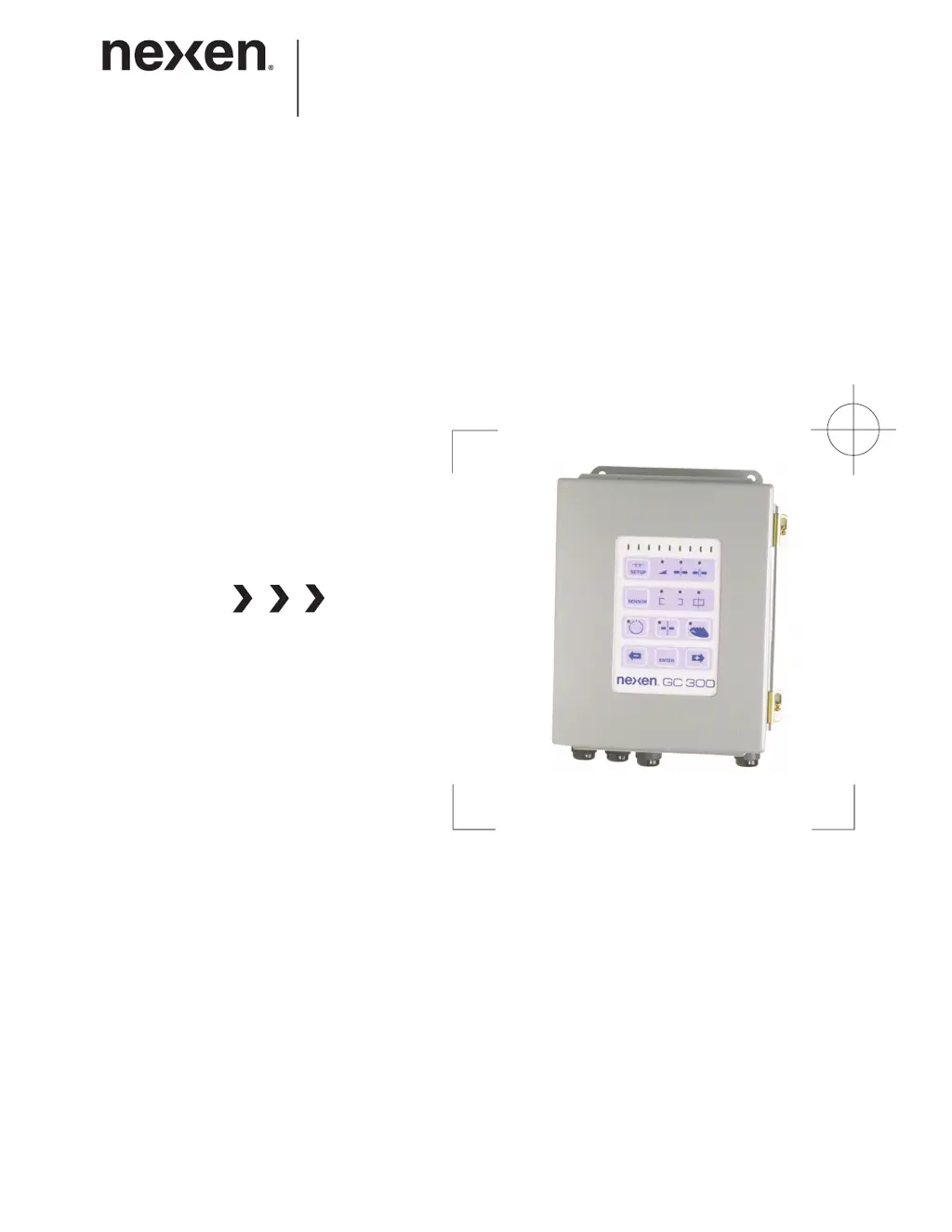
Nexen GC300
25 pages
Print Icon
To Next Page IconTo Next Page
Loading...
1
FORM NO. L-20331-J-1107
WEB CONTROL PRODUCTS
User Manual
Web Guide Controller
GC300

Questions and Answers

  • S
    Seth AndersonAug 12, 2025
    What to do if all the bar graph indicators flash on and off on my Nexen GC300?
    • G
      Gloria CannonAug 12, 2025
      If all the bar graph indicators on your Nexen Controller flash on and off, this indicates a limit switch problem. For example, there may be no limit switches connected to J2 pins 3, 4, and 5, or a missing common connection to the limit switches. To resolve this, check the wiring from J2 pins 3, 4, 5, and 6 to the limit switches.
  • L
    Laura FreemanAug 19, 2025
    Why the bar graph indicators on Nexen Controller don't reflect web position?
    • M
      michele60Aug 19, 2025
      If the bar graph indicators on the GC300 front panel of your Nexen Controller do not reflect the web position when using the sensor connected to the Second Sensor Board, it could be due to incorrect sensor connections. The electrical connections of the sensor on the Second Sensor Board differ from those on the GC300 main circuit board. Verify the electrical connections between the sensor and the GC300 Main Control Board.
  • C
    Cristina ClarkAug 27, 2025
    How to enter CPC mode on Nexen GC300 Controller if the Sensor key doesn't work?
    • S
      Shawn JamesAug 27, 2025
      If you cannot enter CPC mode on your Nexen Controller by pressing the Sensor key, the Second Sensor Board may not be recognized by the GC300. This can be caused by a bad connection between the GC300 and the Second Sensor Board. To fix this, turn off the GC300, check all connections between the GC300 and the Second Sensor Board, and then power up the GC300 again.
  • K
    kbartonSep 4, 2025
    What to do if the green indicator is always lit on Nexen Controller?
    • A
      Andrew WoodSep 4, 2025
      If the green indicator on the Main Control Board of your Nexen Controller is always lit (normally, it is always off), it means that Sw2-3 is set to On. To correct this, set Sw2-3 to Off.

Nexen GC300 Specifications

General IconGeneral
BrandNexen
ModelGC300
CategoryController
LanguageEnglish

Related product manuals