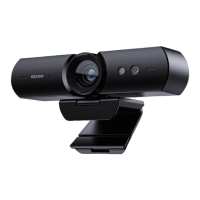
Setting the Camera’s Frequency:
To set the camera’s frequency to channel 1, press the following sequence of buttons: * > # > I.
Then follow the same sequence for other cameras, but replace the last number with II, III, or IV
to set each camera to channels 2-4. You can only control the camera(s) on the channel your
remote is set to. To control the others, change your remote’s channel.
【*】>【#】>【I】: Press these three buttons in sequence to set the camera frequency to No.1.
【*】>【#】>【II】: Press these three buttons in sequence to set the camera frequency to No.2.
【*】>【#】>【III】: Press these three buttons in sequence to set the camera frequency to No.3.
【*】>【#】>【IV】: Press these three buttons in sequence to set the camera frequency to No.4.
Note: Remote control channel and camera frequency both default to No.1. The remote channel and
the camera frequency must be set to be the same number in order to be controlled.
【I】: Press and hold for at least four seconds to switch the remote channel to No.1.
【II】: Press and hold for at least four seconds to switch the remote channel to No.2.
【III】: Press and hold for at least four seconds to switch the remote channel to No.3.
【IV】: Press and hold for at least four seconds to switch the remote channel to No.4.
US 01EN 20


 To Next Page