ON-SCREEN DISPLAY (OSD) MENU
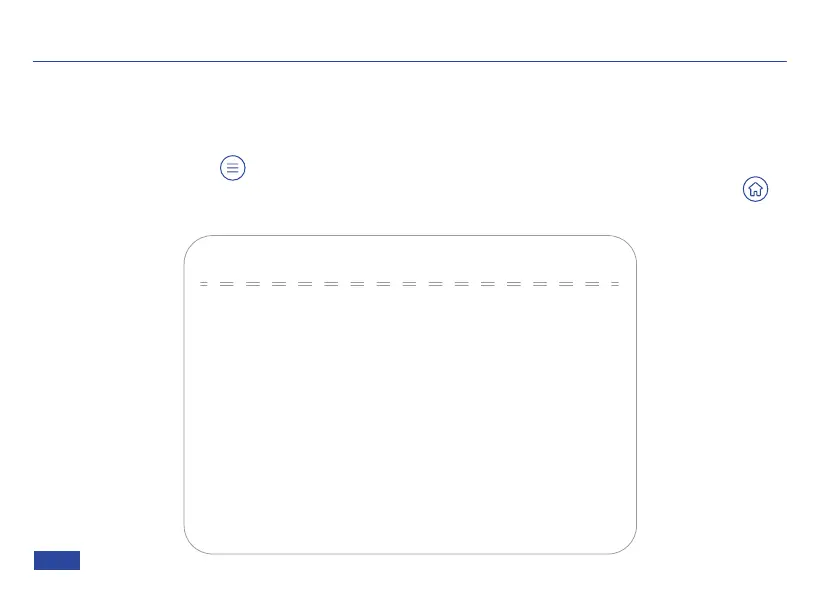
MENU
Press the Menu button to display the main menu. Use the arrows on your remote to
navigate the menu. Your selection will be indicated by an arrow (>). Use the Home button
to select the highlighted item.
MENU
→(Setup)
Onboard AI
Exposure
Color
Image
Noise Reduction
HDMI Video Format
Version
Restore Default
Plug this device into a USB 3.0 port for improved performance.
[↑↓]Select [← →]Change Value
The screenshots provided here are for reference only. The actual images that appear on your
screen may differ depending on your current firmware.
US 01EN 21


 To Next Page