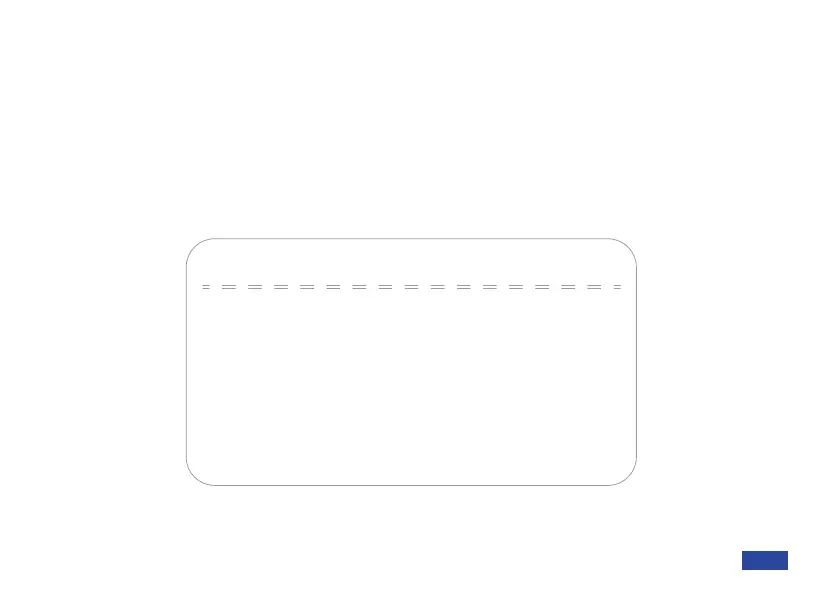
Setup
→Mic Audio
Video Style
Flip OSD Menu
Meeting Mode
NO
1X-5XePTZ Level
USB Mode BULK
[Menu ≡]Return
[↑↓]Select [← →]Change Value
SETUP
Mic Audio: Mute / unmute the microphone. You can also adjust the microphone volume
from 0 to 10.
Video Style: Switch between Meeting, Streaming, and Low Light modes.
Flip OSD Menu: Toggle this to Yes to flip the OSD menu horizontally. Toggle this to No to restore
this to the default view.
ePTZ Level: Switch the digital zoom range between 1x-5x and 1x-10x. The default is 1x-5x.
USB Mode: Switch between BULK and ISOC modes for USB data transfer.
US 01EN 22


 To Next Page