IMAGE
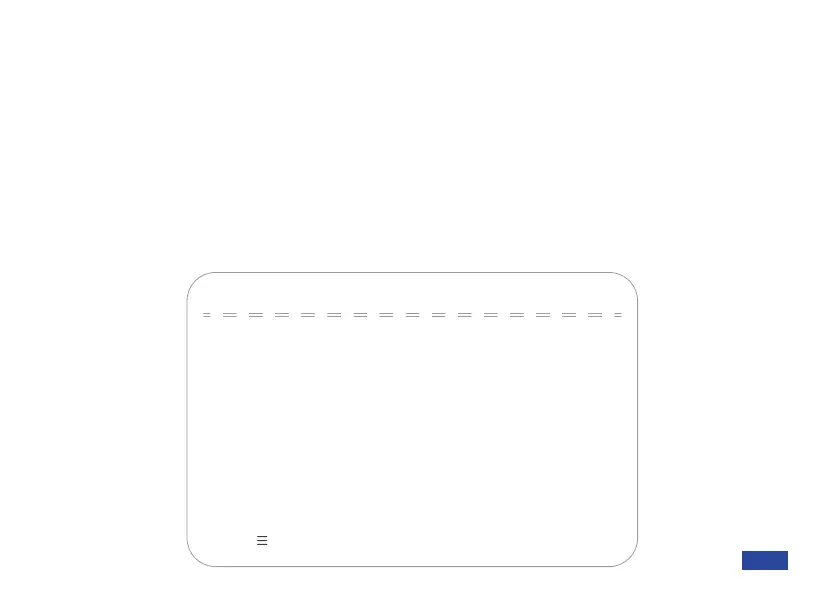
Brightness: Adjust from 0 to 100.
Contrast: Adjust from 0 to 100.
Sharpness: Adjust from 0 to 15.
Flip-H: Toggle Yes to flip the image horizontally. Toggle No to restore this to default.
Flip-V: Toggle Yes to flip the image vertically. Toggle No to restore this to default.
B&W Mode: Switch between color and black & white modes.
Gamma: Switch between Default, 0.34, 0.39, 0.47, and 0.5.
Low-Light Mode: Toggle low-light correction on/off.
IMAGE
→Brightness
Sharpness
Contrast
Flip-H
4
50
50
NO
Flip-V NO
B&W-Mode Color
Gamma
Default
Low-Light Mode OFF
[↑↓]Select [← →]Change Value
[Menu ] Return
US 01EN 26


 To Next Page