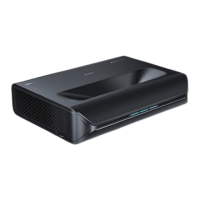
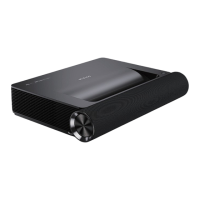
POWER ON/OFF
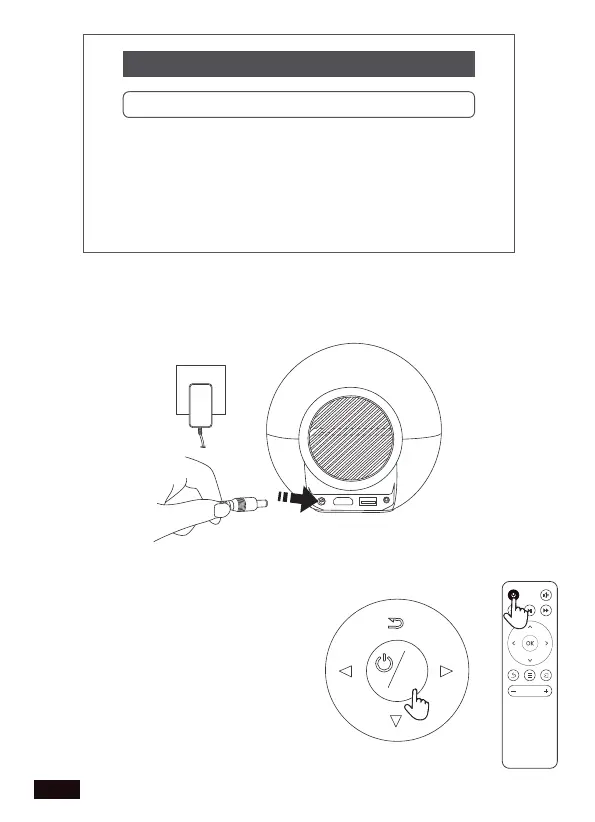
1. Plug the power adapter into a power outlet.
2. Press and hold the Power Switch
to turn on the projector. Press the
Power Switch to turn off the
projector. Alternatively, press the
Power Switch on the remote to
turn the projector on or off.
Projection Mode Normal Front
Normal Front
Normal Back
Invert Front
Invert Back
US 01EN 07



 To Next Page