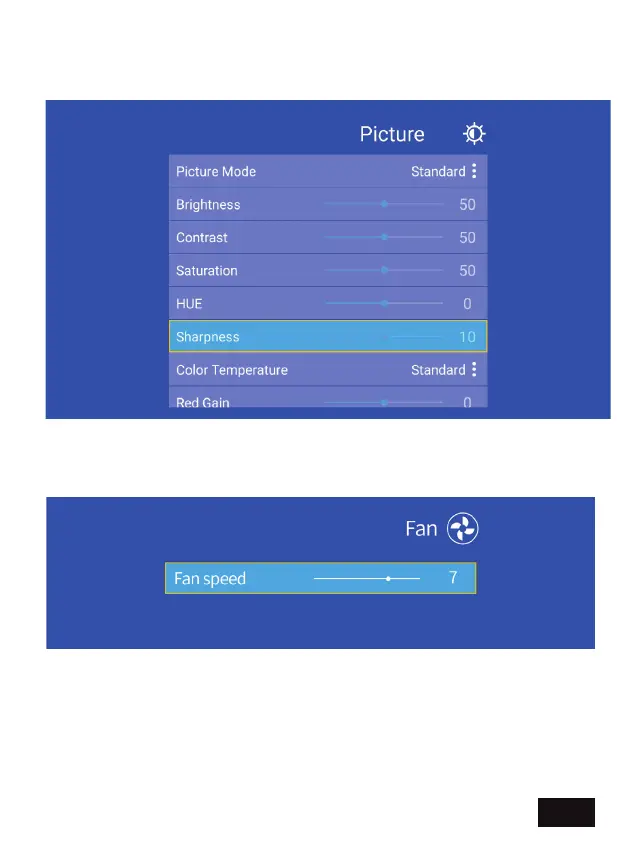
PICTURE SETTING - Select one of four modes: Standard, Vivid, Movie,
or Custom. Custom mode enables custom settings for contrast,
brightness, saturation, etc.
FAN - Adjust the fan speed of the projector — the brightness will
change slightly according to the fan speed.
EN 22


 To Next Page