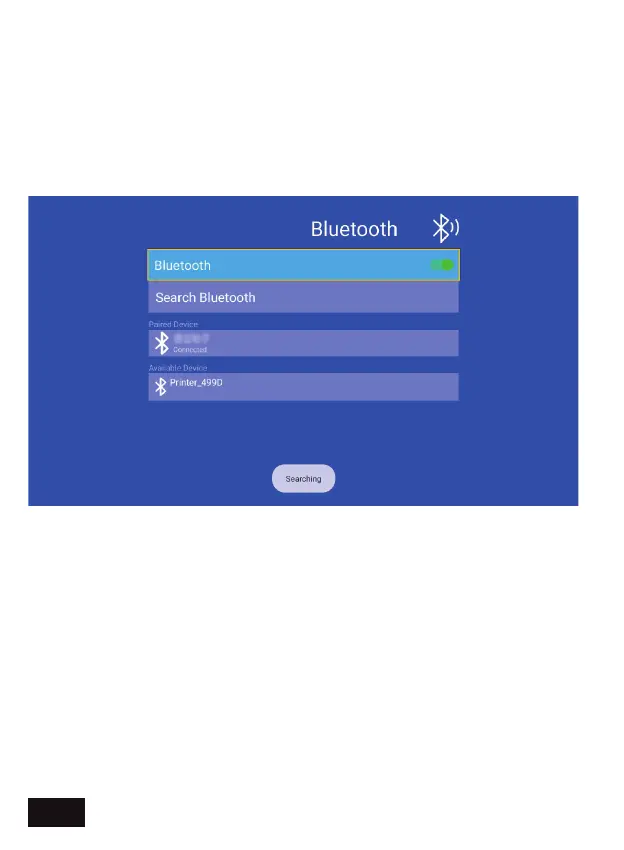
BLUETOOTH SETTING - Connect your projector to a Bluetooth audio
device.
1. In the on-screen menu, select Settings then select the Bluetooth
option.
2. Turn on Bluetooth for the projector and the device you would like
to connect to, and then search the list below for the Bluetooth audio
device to connect.
3. Select that device and pair the two devices. The Bluetooth
connection should now be ready to use.
EN 21


 To Next Page