Suitable for charging ordinary batteries(car boat …) including GEL, SLA, WET,
DEEP CYCLE, EFB, etc.
Suitable for charging AGM and LiFePO4 batteries.
Suitable for all kinds of motorcycles and small capacity(>2AH) lead-acid
batteries.
For battery maintenance, increase the battery health status or activate the
battery. 0V or bad cells batteries are forbidden to use.
Mode Explanation
MOTORCYCLE
REPAIR
CAR/BOAT
AGM/LiFePO4
STEP1
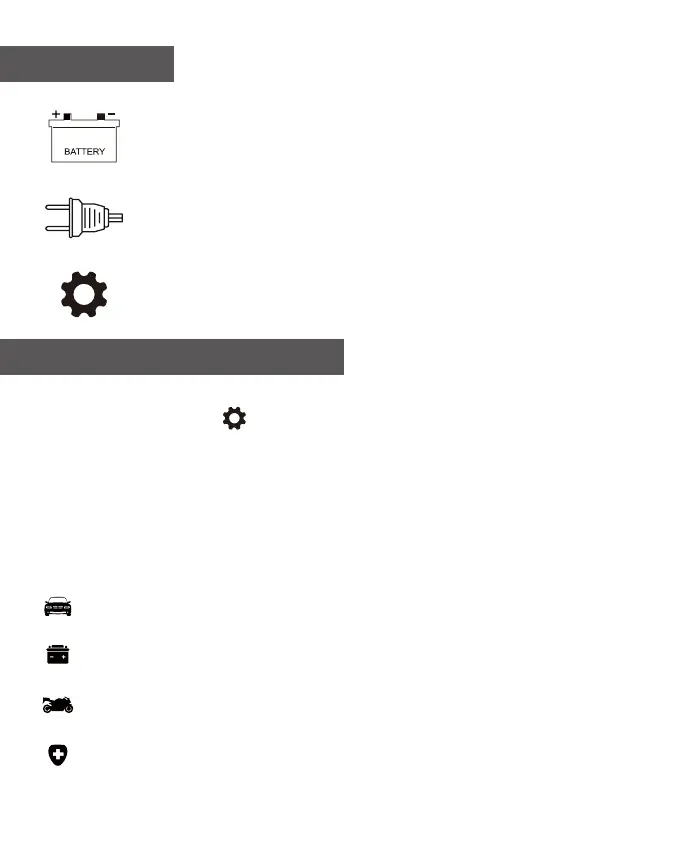
Connect the charger with the battery
(red positive and black negative)
STEP2
Connect the charger with the outlet, AC input voltage from
100-240 volt.
How To Use
12V/24V
STEP3
Press button to choose the corresponding charging mode.
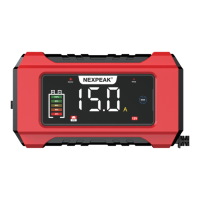
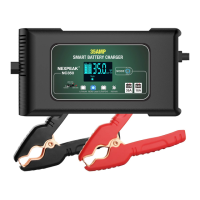
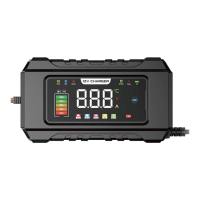
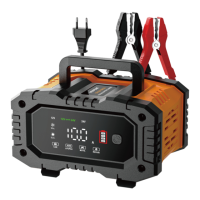
NEXPEAK NC202 battery charger has four(4) modes: CAR, AGM/LiFePO4, MOTO
and REPAIR. Pressed the “ ” button to switch the charging mode.
These modes are advanced charging modes that require your full attention before
selecting. It is important to understand the differences and purposes of each mode.
Always check with the battery manufacturer to confirm the right charging mode for your
specific battery. Do not operate the charger until you confirm the appropriate mode for
your battery. Below is a brief introduction:
Charging Mode Explanation
EN - 3


 To Next Page