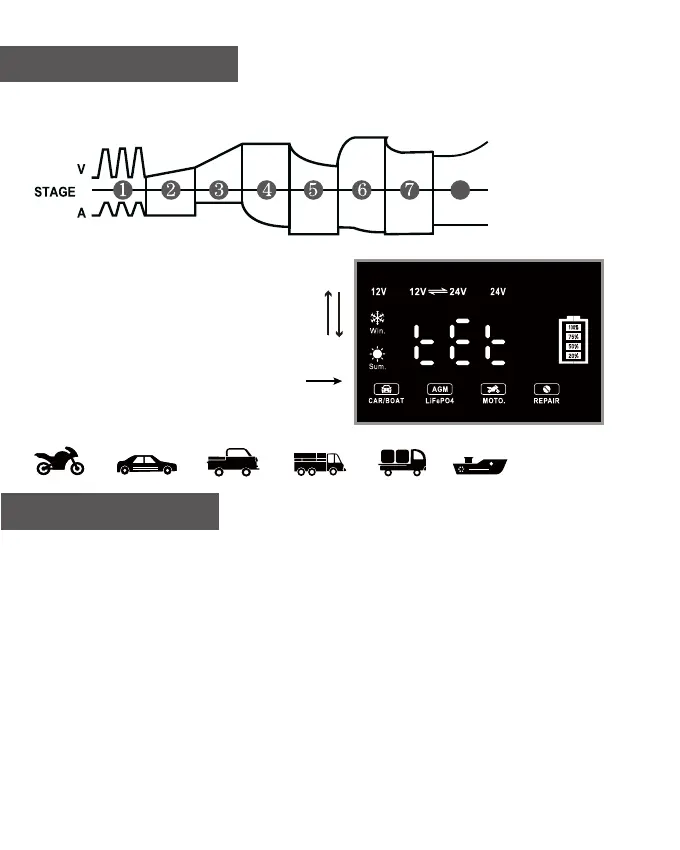
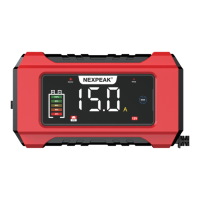
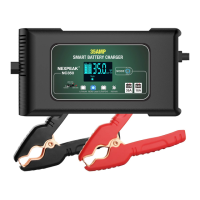
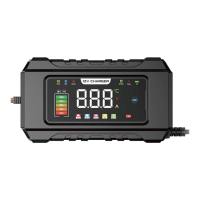
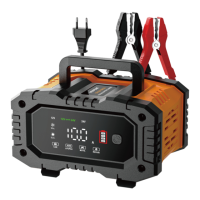
NC202 smart battery charger features eight-stage charging during the entire process as
below:
8-Stage Charging
Stage-1: Battery desulphation
Stage-2: Soft start charging
Stage-3: Bulk charging
Stage-4: Absorption charging
Stage-5: Battery test
Stage-6: Recondition charging
Stage-7: Float & maintenance charging
Stage-8: Monitoring stage
Troubleshooting
1. The screen does not display when the charger is connected to the battery?
Reason: The positive and negative clips are connected incorrectly or the battery is dead.
Solution: Check whether the clips are connected reversed, use a battery tester to see
whether the battery is dead or not.
2. Screen will display the voltage but don't charge the battery
Reason: there is no input voltage.
Solution: Connect to a 110-220V AC socket.
3. The battery can't be charged and is low current, but the screen display (FUL) indicates
fully charged.
Reason: This is caused by the battery's vulcanization and inside lack of water, low voltage or
leave it unused for a long time. The internal resistance of the battery and capacity will reduce
greatly, Then it will reach full voltage quickly while charging.
Solution: Choose repair mode to reactivate the battery!
EN - 6


 To Next Page