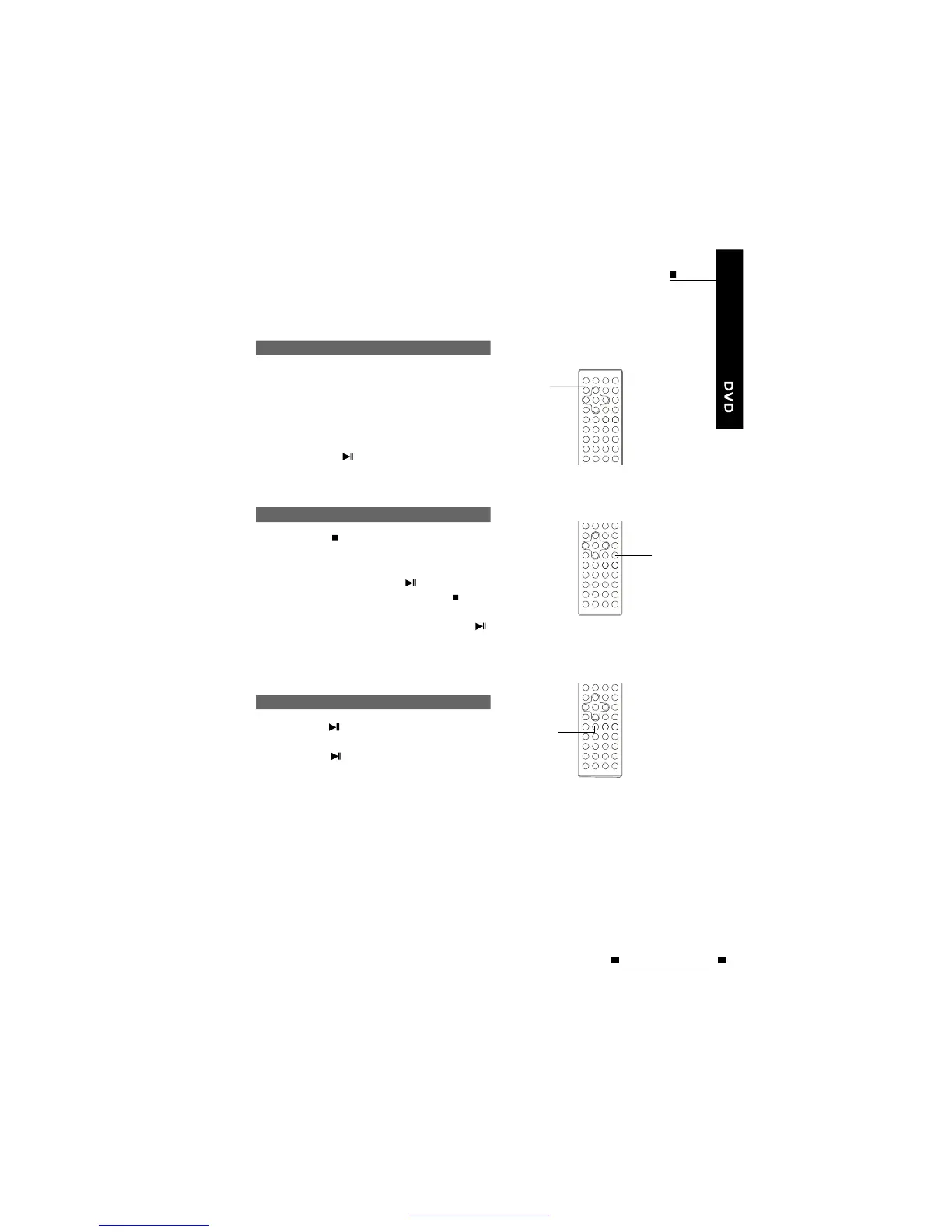
ON/OFF
Theplayerwillloadthediscand
playautomatically.Ifnot,please
pressthebutton.
1.
2.
3.
4.
5.
PLAYBACK
Turnonthepoweroftheplayer.
Openthedisccover.
Insertadisccorrectly.
Closethecover.
STOPPLAYBACK
1.Pressontheremotecontrolwhileplaying.
2.Theplayerremembersthestoppingplace.
3.Toresumeplaybackfromthepointwhere
itstopped,justpresskey.
4.Toclearstoppingmark,pressagainat
stopstatus.Theplayerwillnotplayfrom
thestoppingplacewhenpressingnexttime.
PAUSEPLAYBACK
1.Pressonthemainunitboardoron
theremotecontrolduringplayback.
2.Pressagaintoresume
normalplayback.
PLAY/PAUSE
STOP
BASICOPERATIONS(INDVDSTATE) ENG
MOBILEENTERTAINMENT
27
PDF 文件使用 "pdfFactory" 试用版本创建 ÿ ÿ www.fineprint.cn



 To Next Page