5
Feature Summary
Wi-Fi Connectivity
With the latest Wi-Fi technology, this device can connect you to the Internet wherever
you are.
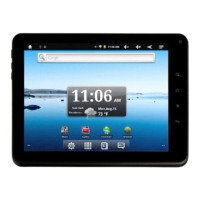
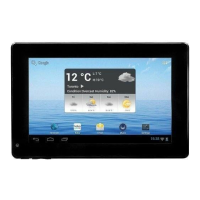
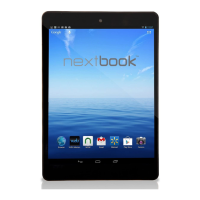
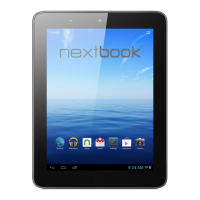
8.4”Touch Screen
Touch or slide your finger on the screen, the screen responds instantly.
Third-party Application Support
With the built-in Android
TM
OS, you can install a large number of third-party
applications in this device.
Built-in G-sensor
The screen changes to landscape or portrait automatically when the device rotates.
Entertainment
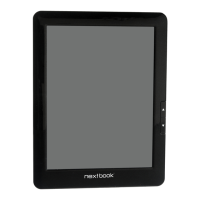
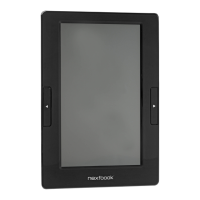
You can enjoy music, movies, pictures and e-books with the Mobile NextBook.
Accessories
USB Cable
Buttons & Ports
Front View
Bottom View
Power Adaptor
d. SD Card Slot –accommodates any standard SD memory card.
e. USB Port –connects to a computer through the USB cable.
f. DC-IN port –connects to any standard electric source through the provided AC
adaptor.
g. Earphone Port –connects to stereo earphones (not provided with the unit.)
h. Power Button –press and hold to turn on or off the device; briefly press to turn
the screen on or off.
a
b
d
e
g
h
c
a. Touch Screen
b. Previous –briefly press to go back to the
previous page/press and hold to go back to the
Home Screen.
c. Next –briefly press to go forward to the next
page/press and hold to display menu options.
Pouch
Stylus




 To Next Page